How to Factory Reset an Android Phone Safely: A Step-by-Step Guide
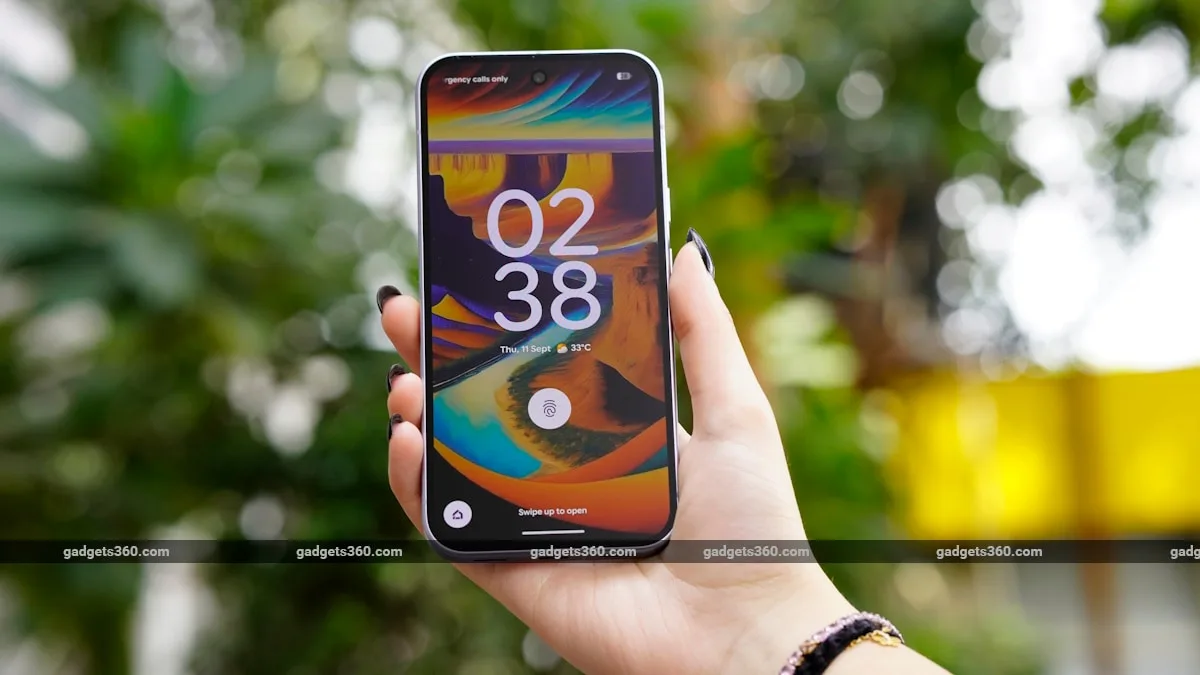
Google lets Android phone users safely factory reset their handset via two methods.
You can either enter recovery mode to factory reset your device or go to the system settings menu to do the same.
A complete factory reset deletes all the apps, locally saved files, system settings, photos, videos, and messages from your handset.
It comes in handy if you have been facing various software-related issues or performance-related issues.
On top of this, you must also factory reset your phone before selling it.
5News aggregated this summary from the outlet’s public feed. The full article, with all the context, is on www.gadgets360.com — the content belongs to Gadgets360 (NDTV).