Got iOS 27 but can't find the new Siri? You're not alone — here's why
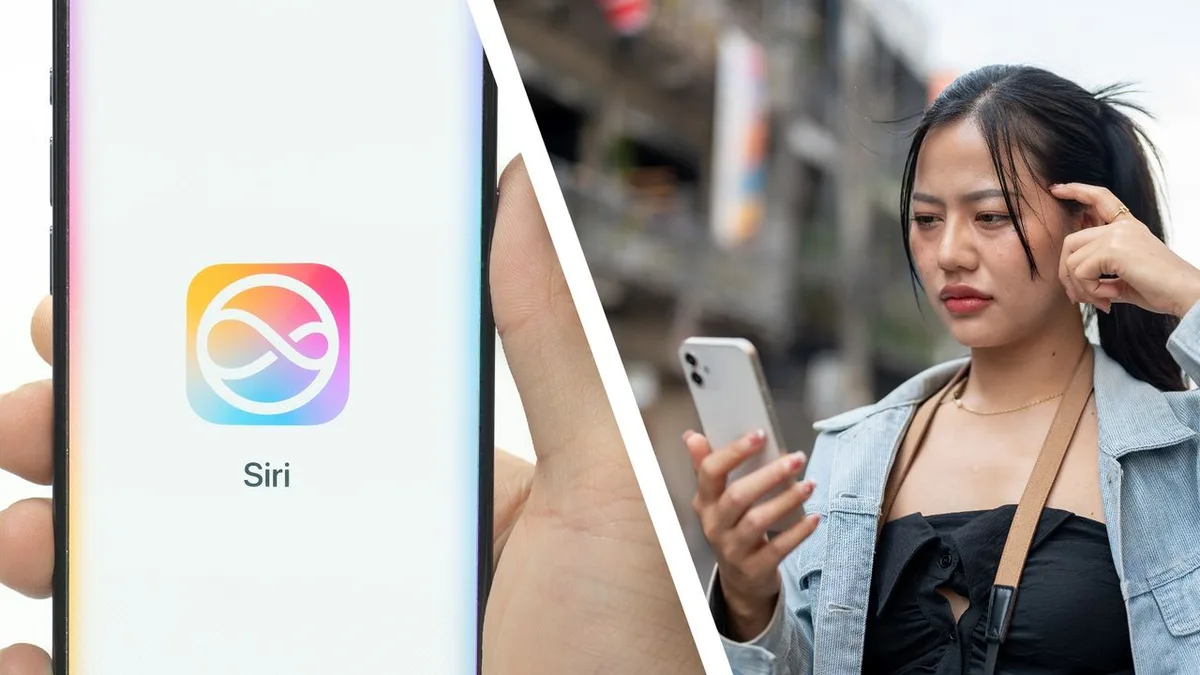
Like many people who've just installed the new iOS 27 , you're probably wondering why Siri doesn't seem quite like the new all-singing, all-dancing AI assistant you were promised.
Try to strike up a conversation with it and it will still try to palm you off to ChatGPT , or just throw up a load of web links instead of answering you directly.
You'd be forgiven for wondering whether Siri AI is just another failure.
Part of the problem is that Apple's terminology makes it genuinely confusing, but there's an important distinction between iOS 27's Siri and Siri AI that you need to make.
Let me explain.
Installing iOS 27 gives you some new Apple Intelligence features, but it does not automatically give you the headline new Siri.
The big Siri upgrade is Siri AI (Beta), which you can apply for, but requires joining a separate waitlist.
Of course, that doesn't mean you don't get anything new with iOS 27, though, so let's break it down. (Image credit: Apple / Future) What you get in iOS 27 without joining Siri AI (Beta) Most of the really dramatic Siri improvements aren't actually part of ordinary Siri.
With iOS 27, however, you do get new Apple Intelligence features elsewhere on your iPhone.
For example, existing Writing Tools remain available without Siri AI, while iOS 27 adds things such as Live Translation in Messages, FaceTime and Phone.
There's also Call Context, which can surface relevant information such as an airline confirmation code while you're on a call, improved Smart Replies, Mail suggestions and suggested polls.
Visual Intelligence is another useful AI feature that works without Siri AI.
Just click and hold the Camera Control button to activate it.
Visual Intelligence is a way of asking ChatGPT, using your voice or text, about what your camera is looking at, as well as searching for similar things online using Google.
5News aggregated this summary from the outlet’s public feed. The full article, with all the context, is on www.techradar.com — the content belongs to TechRadar.