How to self-host n8n
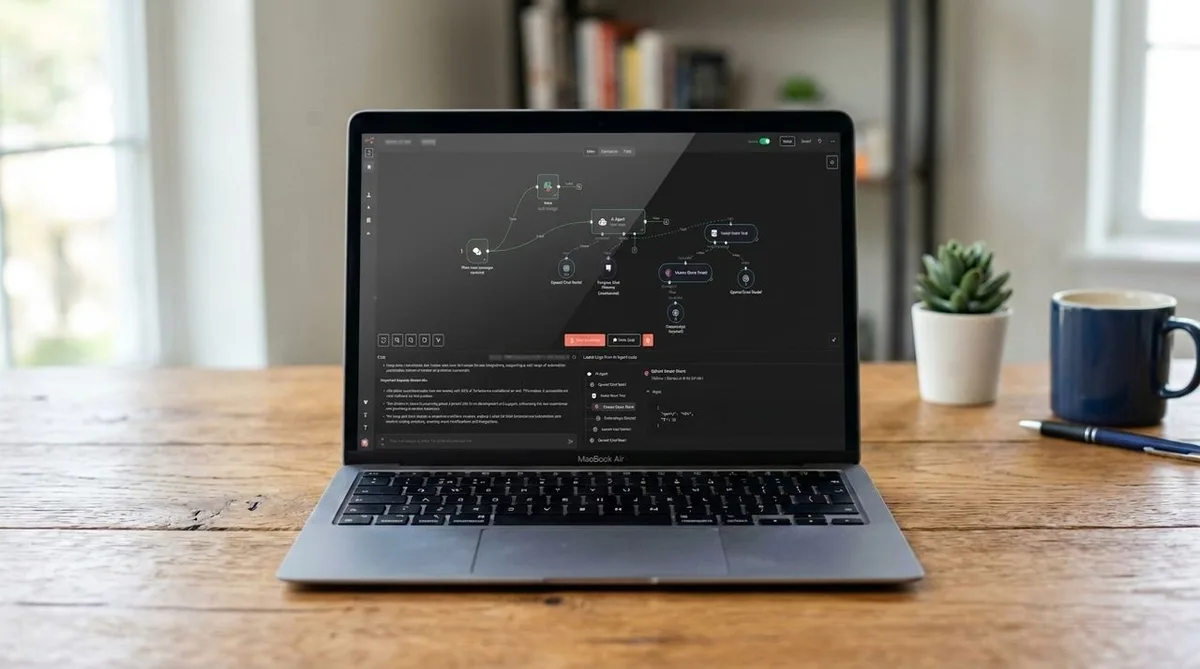
Frustrated by workflow limits and token-based billing on AI automation platforms? n8n is a “fair-code” automation platform that you can host on your own device or servers, free from the usage restrictions that plague cloud-based platforms.
We’ve covered n8n on TechRadar before, so head over to our first-time user guide and list of compatible hosting solutions if you’re looking for more information.
For now, however, I’ll walk you through the exact step-by-step process of setting up a self-hosted n8n environment using Docker, Docker Compose, and a Linux-based virtual machine or server.
What you'll need for this setup A virtual machine, server, or NAS with at least 2 vCPUs and 4GB of RAM.
Heavier workloads will benefit from more CPU cores and memory.
A compatible version of Linux installed on your server or machine, such as Ubuntu, Debian, or Raspberry Pi OS.
CentOS Stream, Fedora, and RHEL are also supported.
Access to the Docker and Docker Compose repositories using your Linux distro’s package installer.
All of this can be installed through the Linux terminal.
A managed Kubernetes cluster if you intend to run production-grade workflows (optional).
Step-by-step installation guide for self-hosting n8n (Image credit: n8n) 1.
Install Docker and Docker Compose Power up your Linux terminal.
Then update your Linux software catalog by running this command: sudo apt-get update This will update your software packages, install any necessary certificates, and prep the system for installing Docker.
Once done, execute the next command to install Docker and Docker Compose, along with any dependencies your system needs: sudo apt-get install -y docker-ce docker-ce-cli containerd.io docker-buildx-plugin docker-compose-plugin You can manually confirm that your Docker engine is installed and running by executing this command: docker --version docker compose version 2.
5News aggregated this summary from the outlet’s public feed. The full article, with all the context, is on www.techradar.com — the content belongs to TechRadar.