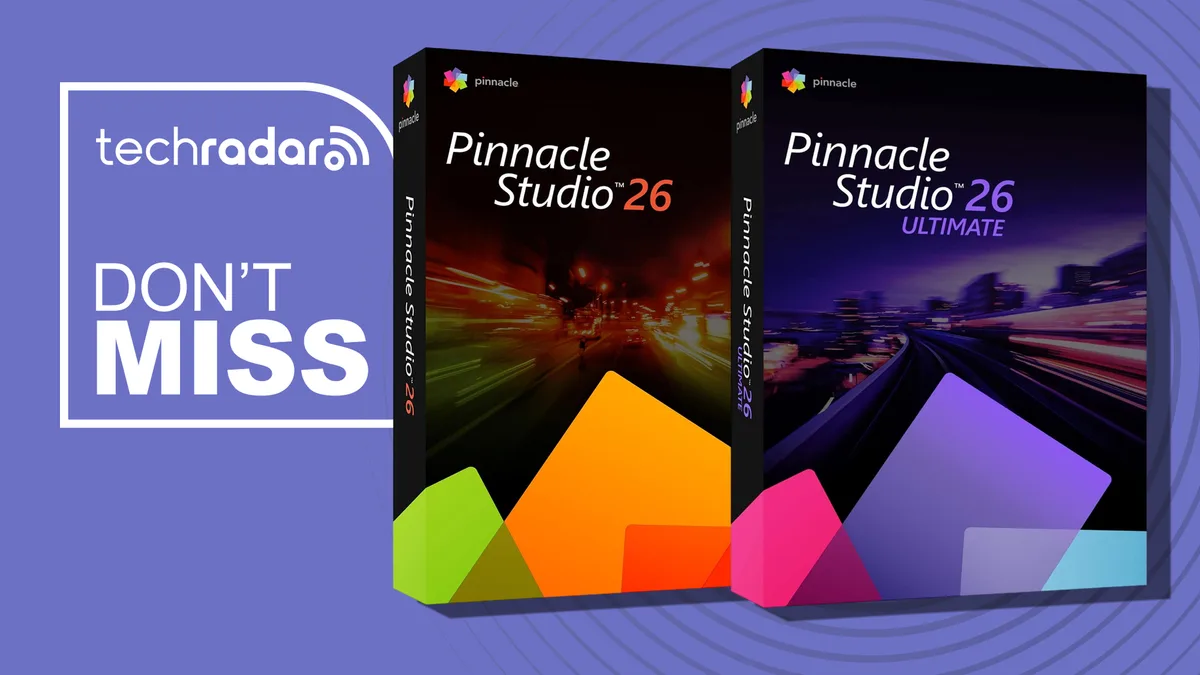
Pinnacle Studio 26 Ultimate takes on Premiere Pro with a one-time fee
Adobe Premiere is one of the biggest names in video editing, but at $240 for the year, it doesn't make sense for every creator.
Pinnacle Studio 26 Ultimate is our favorite subscription-free alternative.
Pay once, and it's yours forever (you can even pay a reduced rate to upgrade to the next edition, but that's definitely not essential).
Right now, Pinnacle Studio 26 Ultimate is down to $90 (was $130) - and in the UK, it's priced at £80 (was £115).
If you don't need complex multi-cam editing or masking tools, the more basic Studio 26 is $40 (was $60) , or £40 (was £60). • Best for: Windows users who want advanced video editing features without an ongoing subscription. • What we like: Unlike lightweight video editing apps, it supports 4K video editing across unlimited tracks and multi-camera editing for footage captured from up to six cameras.
Other features include motion tracking, video masking, green screen effects, and advanced color grading. • What to know: Pinnacle's video editing software is Windows-only, and lacks the support for plugins that you get from Premiere Pro and Resolve.
Studio 26 Ultimate: was $129.99 now $89.99 This advanced video editor features unlimited tracks, six-camera multicam editing, full color grading, motion tracking, smart object tracking, video masking, blend modes, 360-degree editing, and alpha channel export capabilities.
UK price: now £80 (was £115) View Deal Studio 26: was $59.99 now $39.99 This video editor offers six editing tracks, two-camera multicam editing, simplified color grading, keyframe effects, motion controls, a title editor, screen recording, and video capture for creating polished video projects.
UK price: now £40 (was £60) View Deal Which video editing tool we'd recommend Adobe Premiere Pro is an excellent choice for professional editors, but not everyone needs everything it offers.
Pinnacle Studio 26 Ultimate is a much more affordable alternative with plenty of tools to explore.
We rated it the best subscription-free video editing software in our guide.
In our review the previous edition , Studio 25 Ultimate, we found it "offers professional post-production polish without subscription costs." Minor niggles with the slow import section aside, we found it ticked all the boxes for general video editing workflows that don't need the pro-grade output of Pro and DaVinci Resolve.
On top of the features we've discussed, you can use masking to hide distracting objects, blur sensitive information, or apply effects to selected areas of a scene.
The software also includes keyframe controls, letting you adjust the position, size, speed, and appearance of elements throughout your video.
5News aggregated this summary from the outlet’s public feed. The full article, with all the context, is on www.techradar.com — the content belongs to TechRadar.