Getting an unusual amount of spam calls and messages? You’re not alone — Here’s what we know and what you can do
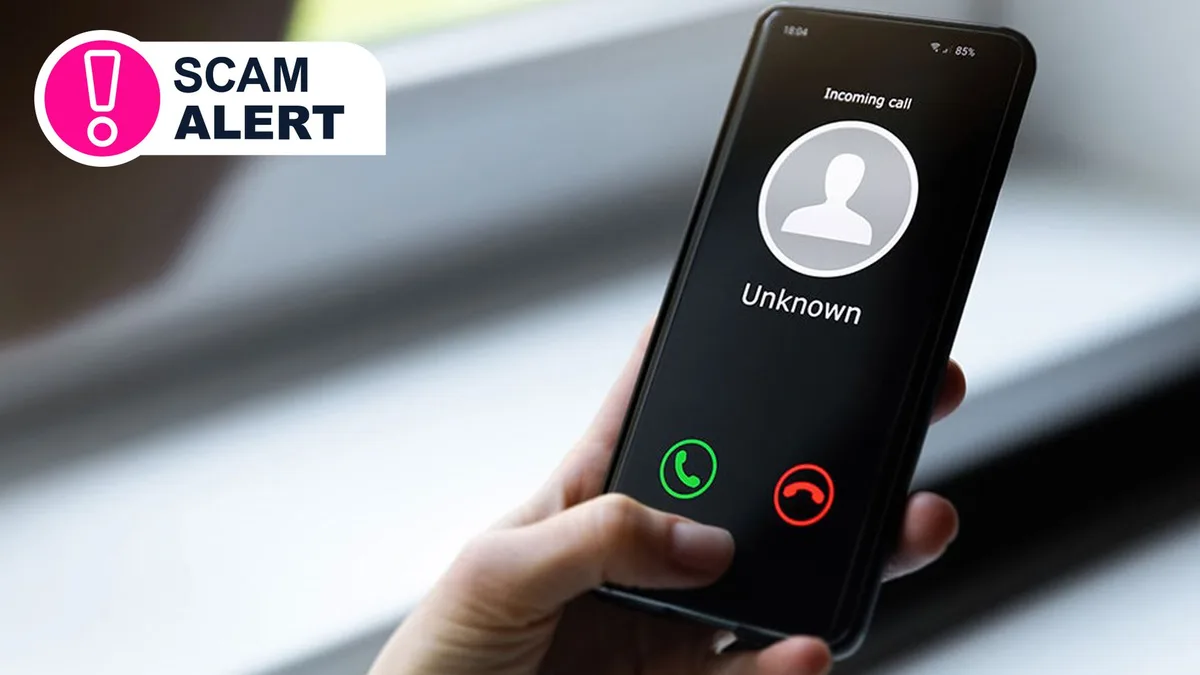
Have you been getting an unusual amount of spam calls recently? Automated voices asking you to add a number on WhatsApp? Don’t worry, it’s not just you.
The UK appears to be going through a sudden spike in spam calls and messages, but the reason why isn’t immediately clear.
Luckily it seems many of them are following a similar script.
In the spirit of combatting the spam scourge, I’ve spoken to friends and colleagues about the types of messages they have been receiving to help you spot the legitimate calls from the illegitimate - and how spam filtering can help you screen calls before you answer.
Types of scam calls From what I have gathered so far, there are a few different spam and scam call campaigns going around at the moment.
Here’s what you might have heard: An automated voice saying “Please add me on WhatsApp” By getting you to add the number on WhatsApp, these callers can then bypass spam filtering and allow the scam to continue.
It also makes it much easier for scammers to pass on malicious files or links that are difficult to check before opening.
WhatsApp-based scams can sometimes be ‘task scams’ - where the recipient is offered a job testing services or apps for real money.
These scams offer rewards that can be cashed out for completing tasks, but instead of banking your reward, they instead steal your financial information.
Automated Phil Automated Phil (who isn't always called Phil) will address you directly by name and ask you yes or no questions.
In doing so, they will record your voice saying “yes” which they can then use to try to trick voice-recognition systems used by financial services and banks.
When you receive a call such as this, never answer the question with “yes” and instead ask “who is calling?” Fake reps of companies offering introductory pricing/offers These calls are usually people pretending to be representatives of mobile networks or internet service providers.
They’ll ask if you’d like to hear about an offer, ask which network you are currently with, or tell you that someone has opened an account in your name.
If you are expecting a call from your service provider, call back using the official number listed on their legitimate website instead.
5News aggregated this summary from the outlet’s public feed. The full article, with all the context, is on www.techradar.com — the content belongs to TechRadar.