The iPhone 18 Pro Max has a clever feature to avoid problems with its larger battery that might become the new normal — here’s what you need to know
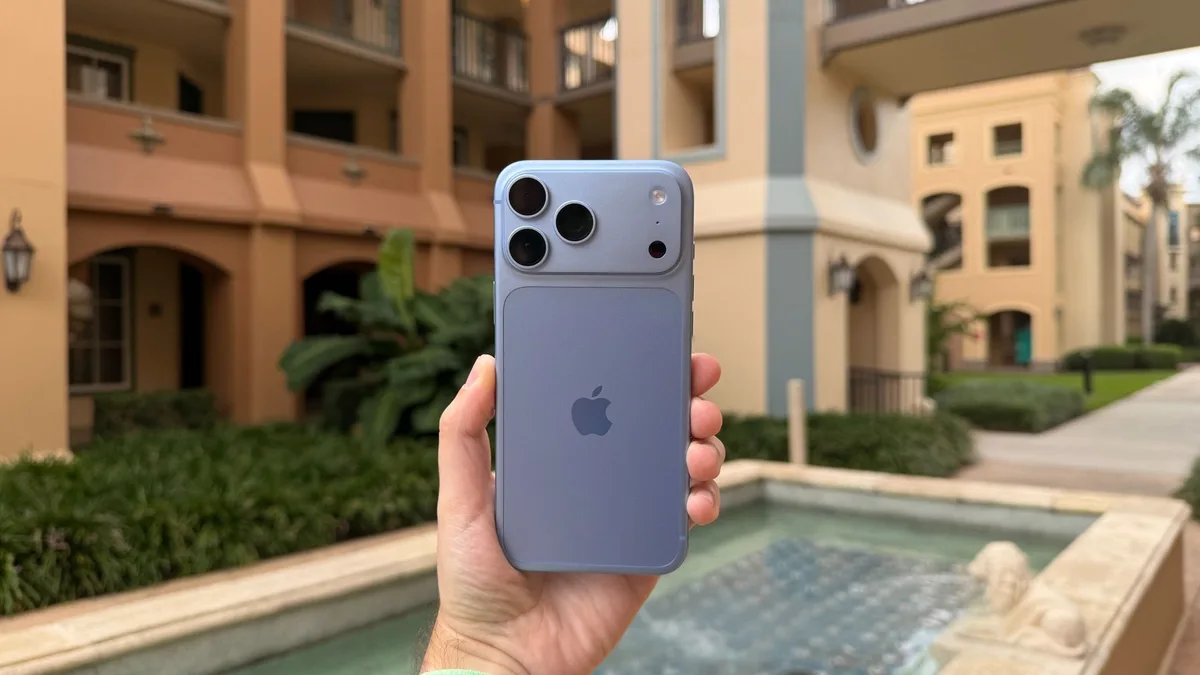
The iPhone 18 Pro Max uses software artificially reduce its battery capacity to avoid shipping restrictions The same software trick will need to be used when shipping the phone off to repair or sell it Other phones might start taking this same approach The iPhone 18 Pro Max has the highest capacity battery that Apple has ever put in a handset.
Going by teardowns, you’re getting a 5,567mAh battery in eSIM-only models and a 5,391mAh one in versions with a physical SIM card slot.
But both of those are over 20 watt-hours (Wh), and that could have been a problem for Apple.
You see, most countries have additional shipping requirements for devices with a single-cell battery of over 20 Wh.
For example, both the US and UK consider these ‘dangerous goods’, and they’re prohibited to be sent through standard consumer mail services such as USPS standard post and Royal Mail.
That’s obviously a problem for a device that many people will be ordering online — and it can also complicate shipping the device to stores.
But Apple has come up with a clever solution called ‘Prepare to Ship’.
This is a mode that uses battery firmware to limit the capacity to under 20Wh, and it's active from when the phone is manufactured to when a customer first activates it.
Once you have the phone up and running, the limit is removed automatically — so in other words this gets it around the shipping restrictions, without limiting the capacity of the product you receive.
However, this also adds an extra step you need to take before shipping the phone somewhere yourself — whether you’re sending it off for repair, selling it, or whatever else, as you need to manually enable the ‘Prepare to Ship’ mode again.
How to prepare your phone for shipping (Image credit: Apple) To do this, go to Settings > General > Transfer or Reset iPhone > Prepare to Ship.
Then just follow the onscreen instructions, including selecting whether or not you also want to erase your phone.
There are a few things to be aware of though: to activate ‘Prepare to Ship’ mode, your phone might need to discharge a bit, so you should unplug it from its charger, and you should also be aware that it might become warmer than usual while this process is being carried out.
The full process can take anywhere from a few minutes to a few hours depending on how much the battery needs to drop, but you can use the phone as usual in the meantime (assuming you haven’t also opted to erase it), and the Settings app will display a red badge reading ‘Ready to Ship’ once it’s done.
5News aggregated this summary from the outlet’s public feed. The full article, with all the context, is on www.techradar.com — the content belongs to TechRadar.