MSI is on a mission to upgrade your WFH setup with this 27-inch budget business monitor dropping to under $90
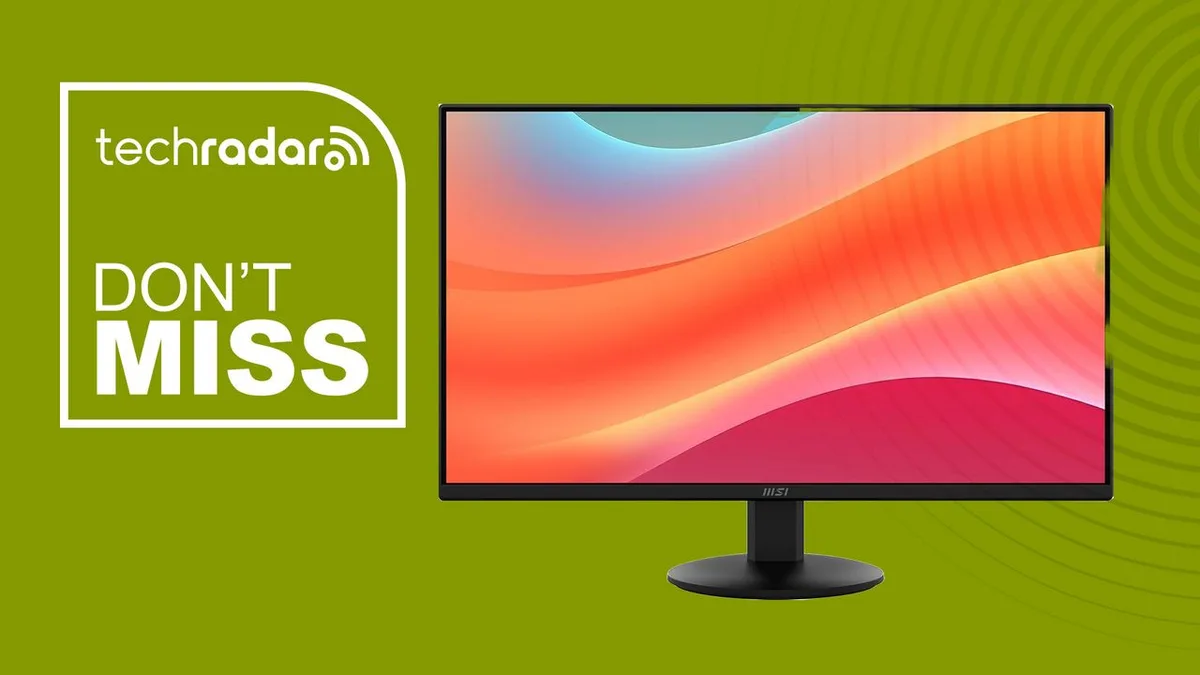
MSI's monitor range has consistently impressed us in tests, whether you're looking for an office upgrade, a new gaming set-up, or a back-to-school display for pulling double-duty.
With that in mind, I found a great budget monitor deal on the MSI Pro MP272LE for $90 (was $120) at Amazon .
Now, a 27-inch monitor for under $90 is easy to find.
One that adds a genuinely fast panel and proper mounting options without leaning on gaming branding is less common.
Which I why I like this budget monitor built to handle spreadsheets, browser tabs, and video calls with room to spare.
Pro MP272LE 27-inch: was $119.99 now $89.99 27-inch Full HD IPS panel with a 144Hz refresh rate, FreeSync support, and a 1ms response time, backed by HDMI, DisplayPort, and VGA inputs.
Tilt adjustment, VESA mounting, and a 4-side slim bezel design make it easy to fit into an existing desk setup, with a built-in speaker for basic audio without extra cables.
View Deal Why we recommend it Most budget monitors in this price range cut corners somewhere, whether that is a narrow viewing angle, a slow response time, or a bare-bones port selection.
MSI's Pro MP272LE avoids most of that by pairing an IPS panel with a wide connectivity spread that covers HDMI, DisplayPort, and VGA, which matters if you are connecting an older desktop tower or a laptop dock alongside a newer machine.
The panel itself is fast for what is fundamentally an office monitor, with a 144Hz refresh rate and 1ms response time.
That is more than most productivity work needs, but it makes for noticeably smoother scrolling and window dragging, which adds up over a full workday.
Physical adjustability is often the first thing cut on a budget display, and MSI has kept tilt adjustment and VESA mount compatibility here.
That means it can go on a monitor arm or stand if your desk setup calls for it, rather than being locked to a fixed height.
For more top picks, see our guide to the best business monitors .
5News aggregated this summary from the outlet’s public feed. The full article, with all the context, is on www.techradar.com — the content belongs to TechRadar.