The clever software I use to control two PCs with one keyboard and mouse — no hardware KVM required
Devices now known as KVM (keyboard-video-mouse) switches, which allow multiple computers to use a single set of input devices and monitor, predate USB and even the mouse (That’s why the “M” is tacked on at the end).
PCs have also been able to support multiple monitors since the ‘80s, with the Mac leading the way and Windows users getting integrated support in the Windows 98.
Years of studies have shown how people are generally more productive on two monitors than one, and that productivity is why we've previously highlighted the best KVM switch deals we can find.
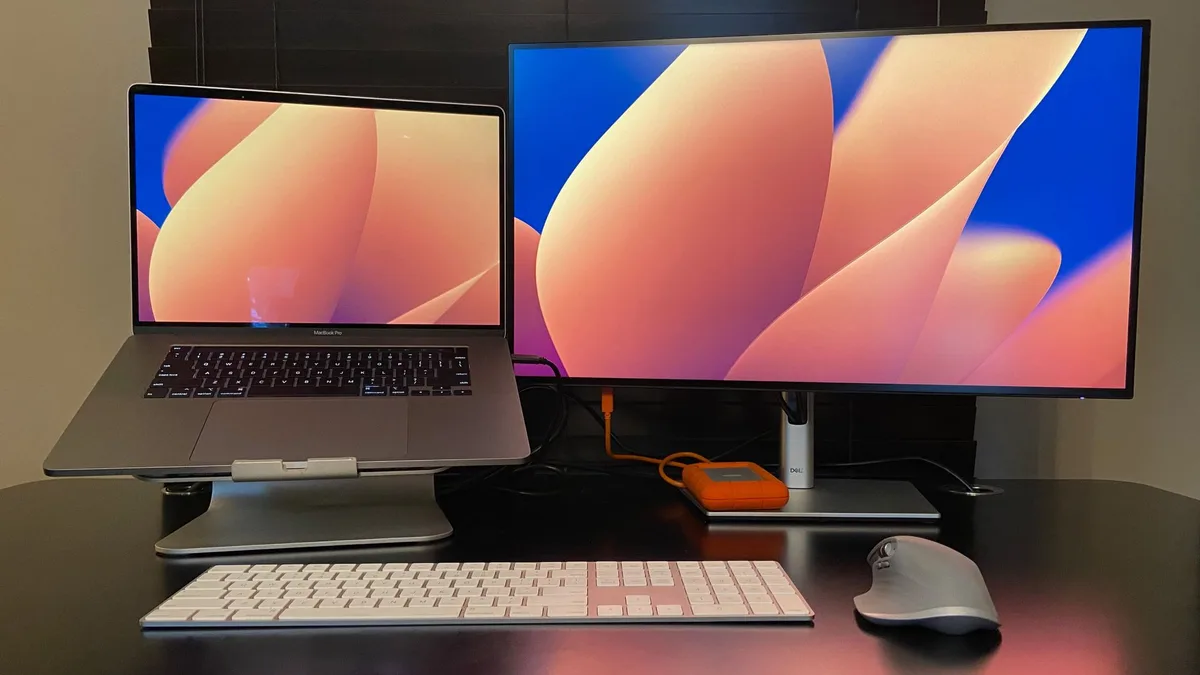
But there’s a third multi-device scenario that combines elements of peripheral sharing and multiple monitors: controlling two PCs, each with its own display(s), with a single keyboard and mouse.
There are many reasons to choose this, including rapid switching between a PC for coding and a development target, having constant visual access to multiple platforms while saving desk space, and working across a work PC and a personal one.
My use case is keeping one PC display as a fixed dashboard that I can update on the fly while I hop around virtual desktops that would normally hide that dashboard from view.
Many companies, including Apple, Asus, and Lenovo, have developed options that let you extend your work surface to a tablet, and Windows includes support for using another PC as an external display, and Logitech enables the feature if you use one of its higher-end keyboards or mice.
But if you want a vendor-independent approach, there are several software-only and hardware options (most of which also require software).
Many offer a choice between “seamless” mode, in which a mouse can be dragged from one computer's display to another’s, and “hotkey” mode, in which pressing a key combination instantly switches control of the cursor from one PC to another.
While the latter can be quicker depending on where your cursor is on the screen, it can sometimes take a moment to reorient yourself to its new position.
The Soft Switch (Image credit: PowerToys) Software options often convenience and expedience.
As long as you have a shared internet connection between the PCs, you can download one of the programs and soon be slinging your cursor around like a digital lariat.
They also don’t require any extra desk space or available USB connections.
And while hardware options are usually limited to two computers, software-based bridges can work across more PCs than one would practically have at the ready.
5News aggregated this summary from the outlet’s public feed. The full article, with all the context, is on www.techradar.com — the content belongs to TechRadar.