I've been using iOS 27 for 3 months already — these are the 5 best features arriving on your iPhone today
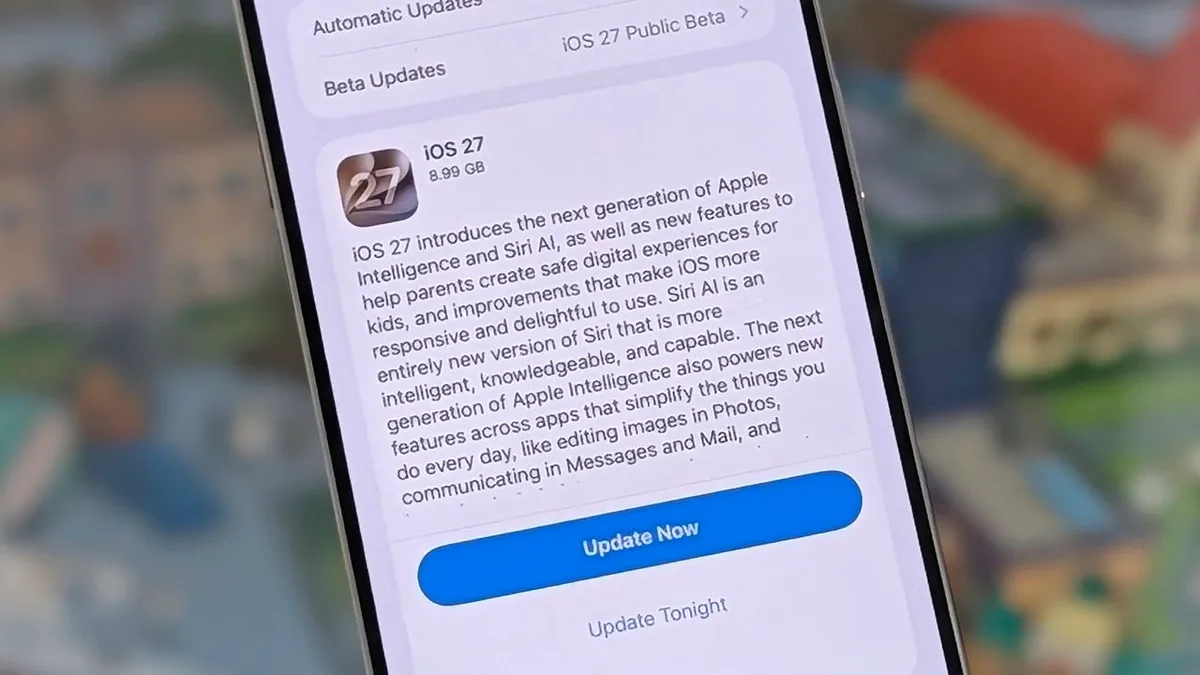
Today's the day when Apple starts rolling out iOS 27 to millions of iPhones around the world — and as I've been using the developer version of the software since it was first pushed out in June, I can tell you about the best features coming your way.
The good news is that every iPhone that can run iOS 26 can also run iOS 27 , though some of the more advanced Siri AI features (like the ability to change its pace and 'expressivity') are only available on the newer models with more powerful chipsets.
You'll get a notification popping up on your phone when iOS 27 is ready for you, but if you're not patient enough for that you can open up Settings on iOS and tap General > Software Update to see if there's an update waiting.
1.
Reframe your photos (Image credit: Future / Apple) iOS 27 arrives with some clever AI-powered photo editing tricks, including one called Reframe.
It lets you slightly change the angle of a picture you've taken, with AI adjusting the background to match.
In Photos, tap on an image to open it, then tap the icon showing three sliders at the bottom.
If you then tap Tools and Reframe , you can touch and drag on the screen to change the perspective (use two fingers to pan and zoom).
Tap Reframe to confirm.
The other options on the Tools menu can be useful too: Extend will use AI to imagine a wider background canvas for you, while Clean Up lets you remove specific objects or people from your images.
2.
Create Shortcuts with natural language Creating shortcuts with natural language (Image credit: Future) The Shortcuts app is one of the most powerful tools available in iOS, but as we've written about before , it's not all that easy to use.
With the new software update, building shortcuts becomes much easier: you can just describe the combinations you want using natural language, which significantly simplifies the process.
Shortcuts let you set up a myriad of automations and routines on your iPhone: turn text into audio, play a podcast after your morning alarm, tag notes in batches, let people know you're running late, create GIFs from videos, and a whole lot more.
5News aggregated this summary from the outlet’s public feed. The full article, with all the context, is on www.techradar.com — the content belongs to TechRadar.