ChatGPT has just changed how it works with 'Intelligent UI'
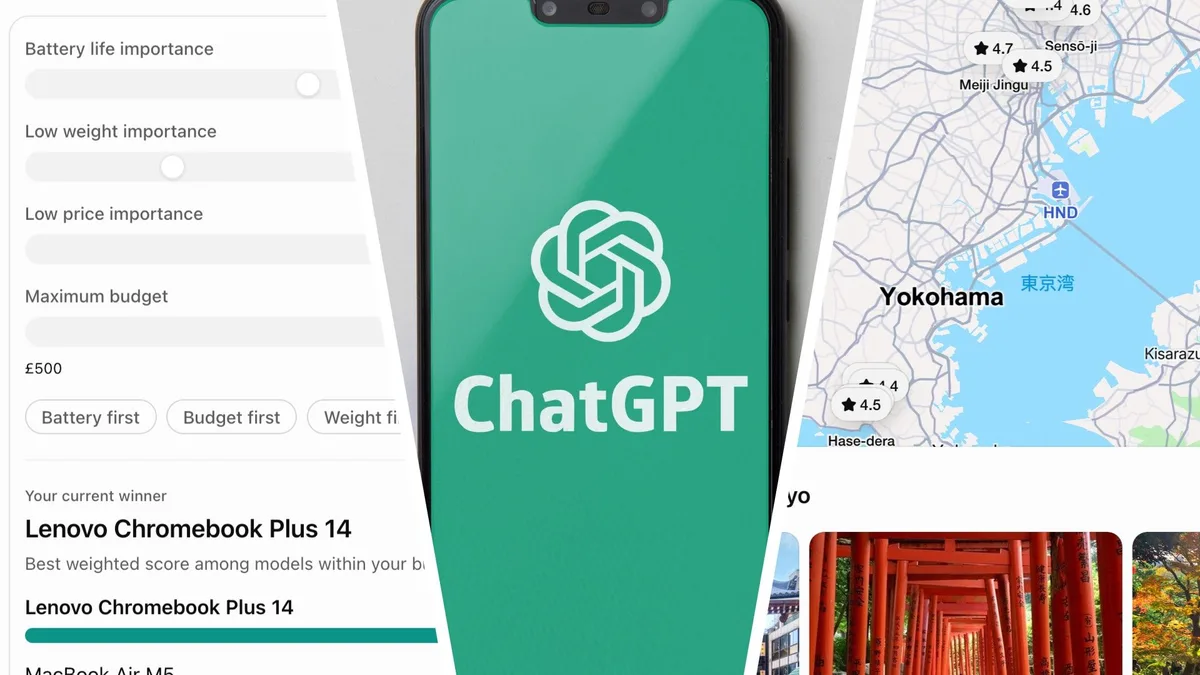
OpenAI really likes to drop stealth upgrades to ChatGPT onto us with no warning.
Sometimes these are really minor , but the latest one adds an entirely new way for it to respond to your queries, and utilizes the power of GPT-6 .
Instead of just providing the usual text-based answers to your queries, you now get text, visuals, and interactive elements all mixed together in whatever way best suits the answer.
The interface for typing into ChatGPT looks exactly the same, but the answers you get are a lot more fun.
In a way, it’s a little bit like ChatGPT now makes a simple app, on the fly, to answer your question.
But don’t let the word “app” here put you off — this isn’t overly difficult or just for developers and coders.
The clever thing is that you don't need to know anything about making apps, or even ask ChatGPT to make one.
You simply ask a question, as you've always done, and now you'll find yourself looking at an interactive calculator, a quiz or a product comparison instead of a wall of text.
The best way to understand it is to give it a go.
Here are five ways I used the new Intelligent UI, and you can try them all yourself as well.
Once you’ve done all five, you’ll have a good understanding of what it's capable of.
Intelligent UI is available for all users in the standard Chat tab, uses GPT-6, and is available in all the different membership packages, including Free.
1.
Savings calculator (Image credit: OpenAI) How much you need to save for retirement is one of those questions that starts to become more important after the age of 50, and it’s perfect for an interactive answer.
5News aggregated this summary from the outlet’s public feed. The full article, with all the context, is on www.techradar.com — the content belongs to TechRadar.