Firefox helps iPhone users bypass ads on web sites while making money showing its own ads
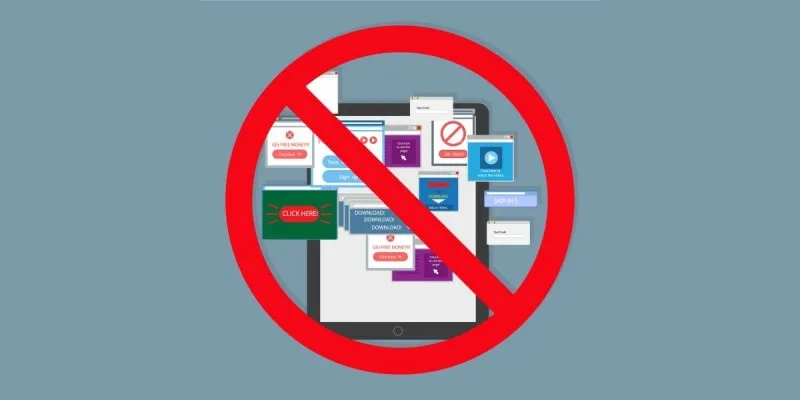
After several weeks of anticipation, Mozilla has started rolling out ad blocking to the iOS version of its popular browser, but you can still expect to see ads on Mozilla's own pages, including the new tab page.
The org officially rolled out the new native ad blocking feature for iOS Firefox on Tuesday, moving it out of the experimental phase, while explaining that it had to rethink its desire to give users control over their web experience on iOS due to differences in architecture between it and other OSes.
“Firefox already supports a strong ecosystem of ad-blocking and privacy extensions,” Mozilla explained. iOS works differently, though, as Apple forces all web browsers on iOS to use its own WebKit to render sites instead of their own preferred back end.
“Bringing ad blocking to Firefox on iOS,” therefore, “meant building it directly into the browser,” Mozilla explained.
Implementing ad blocking in the iOS version of Firefox meant incorporating Apple’s own WebKit Content Blockers.
According to Apple’s introduction on the topic, it specifically doesn’t want app extensions to be used to block web content because of how they operate.
“App extensions … are essentially little sandboxed applications that are launched on demand to extend some specific piece of functionality,” Apple notes.
“JavaScript-based content blocking extensions … have significant performance drawbacks.” Apple complains that traditional ad blockers use too much energy, increase page load time, and eat up memory, all of which it wants to protect iOS users from.
Apple describes WebKit Content Blocking as “describing content blocking rules in a structured format ahead-of-time, declaratively.” Apple Web Content Blockers instead live in bytecode format that executes for each resource request, modifying requests or injecting CSS changes as needed while pages are loaded.
For Mozilla, that basically means dropping the EasyList filter, originally designed for the classic Adblock blocker, into a JSON file and passing it to WebKit.
Easy peasy.
Ad blocking in Firefox for iOS is off by default.
Turning it on, if it’s available for you – it’s rolling out gradually – is as easy as opening the in-app settings menu, tapping on Browsing, and toggling the Ad Blocker field on.
Mozilla told The Register in an email that it doesn't have a timeline for general release to all Firefox users on iOS, which it said will largely depend on how well the initial rollout goes.
5News aggregated this summary from the outlet’s public feed. The full article, with all the context, is on www.theregister.com — the content belongs to The Register.