Windows 11 is getting a much-needed change to privacy settings — but it's something Microsoft should have sorted a long time ago
Windows 11 is getting per-app permissions for all desktop software Previously this was limited to just apps from the Microsoft Store Microsoft has also decided to drop an incoming interface addition called the drag tray, which had drawn complaints from some testers Windows 11 is finally giving you a full range of options to maintain your privacy from potentially snooping apps, and the OS is being further improved as Microsoft is scrapping an unpopular addition for the interface which was in testing.
First up, let's look at the privacy move, which as Windows Latest reports is the expansion of individual privacy controls for apps in Windows 11.
This was first highlighted by Jakub on X , who noted: "Huge changes are coming to Windows 11 privacy & security.
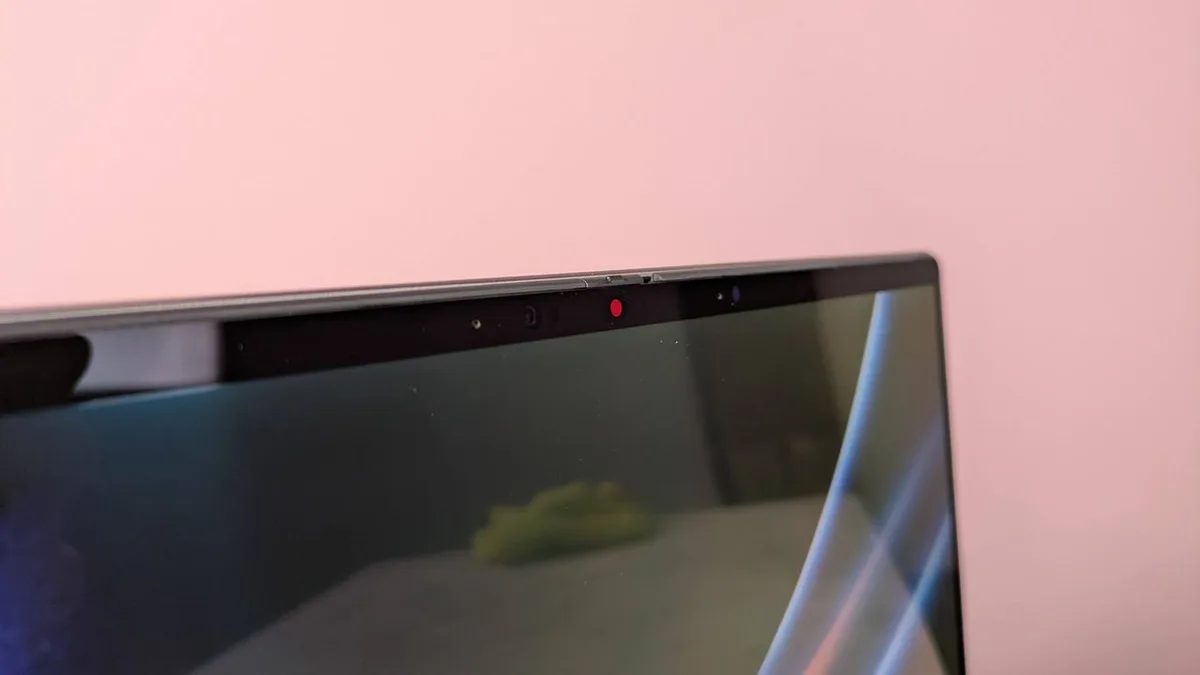
In the latest Experimental Insider Build (26340.9212) you can now revoke access to the camera & microphone for specific Win32 apps!" What this means is that in Settings you can allow or deny access to the camera and mic (as well as location access) for desktop apps on an individual basis.
Couldn't you do that before, I hear you ask.
Only for Microsoft Store apps, with other (Win32) applications having just one 'master switch' to either toggle all these permissions on or off (on a blanket basis).
Thankfully, in a new experimental test build of Windows 11, Microsoft has changed things so you have granular privacy controls over all apps, not just Microsoft Store software.
On top of that, testers are seeing smartphone-style app permission prompts for allowing access to the camera and mic, which is a feature Microsoft has said it's bringing in before .
Windows Latest also noticed that Microsoft has officially canned the drag tray, which was a new part of the interface in testing with Windows 11.
The idea here is that when you grabbed and dragged a file on the desktop, this tray would appear at the top of the screen, and if you moused the file over it, you'd get some quick sharing options (so you could simply drop the file to share via WhatsApp, or Outlook, or a bunch of other icons).
Tthe drag tray could be handy for users with a touchscreen, for example, as an easier method than going by the right-click menu sharing options.
So, what was wrong with this feature? The problem was for those users with busier desktops, perhaps crowded with folders, because in these situations — or when using a maximized folder window filling the display — if a file was dragged towards the top of the screen, the tray might appear and get in the way of the target folder (effectively blocking it).
These frustrations led to some complaints, and Microsoft has ultimately decided to drop the tray.
5News aggregated this summary from the outlet’s public feed. The full article, with all the context, is on www.techradar.com — the content belongs to TechRadar.