I finally got Siri AI on my iPhone, so I gave it 5 jobs I normally use ChatGPT Voice for — I wasn’t expecting it to be this good
A few days ago, I wrote about how upgrading to iOS 27 doesn’t automatically give you the new Siri AI.
To get Apple’s upgraded assistant, you have to jump through an additional hoop: go into Settings , find Siri and apply to join the waitlist for the Siri AI beta.
The good news is that I didn’t have to wait long.
Yesterday, my application was approved and Siri AI quietly installed itself on my iPhone.
It feels like years since Apple first talked about giving Siri a much-needed intelligence upgrade, and I almost can’t believe it’s finally here.
Well, almost here — it remains a beta — but the important thing is that it does what it says on the tin.
Before Siri AI, “Would you like me to use ChatGPT to answer that?” had become Siri’s standard response to almost anything interesting I asked it to do beyond setting a timer.
Now Siri can produce proper answers of its own.
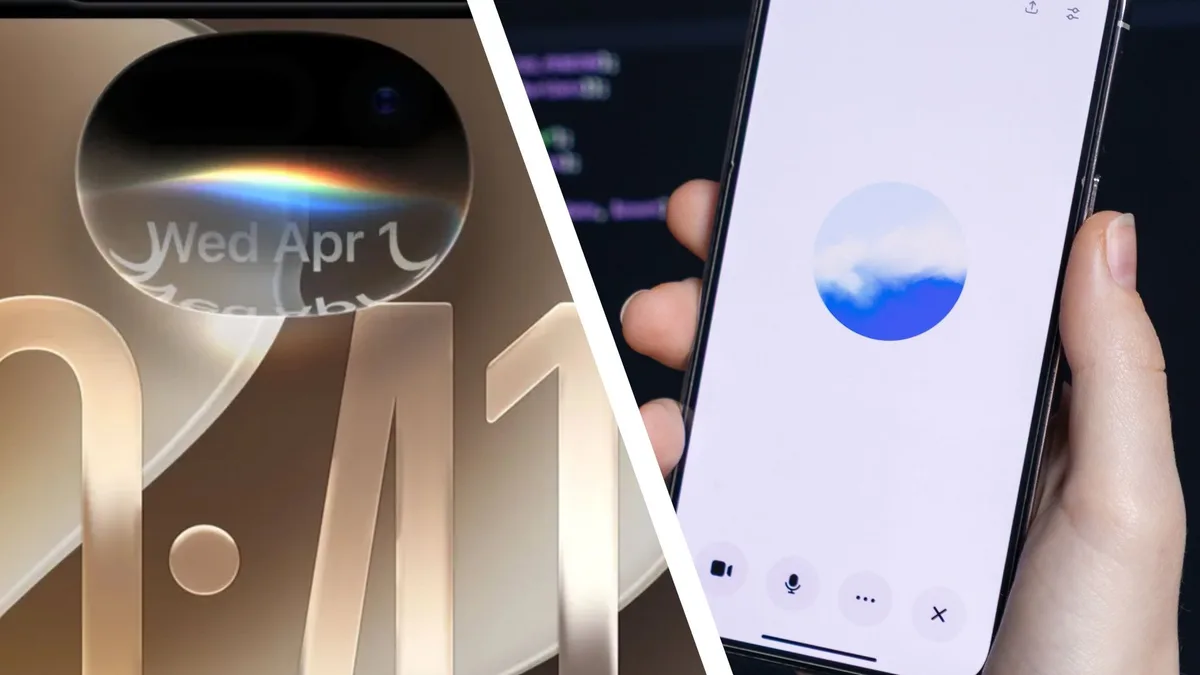
You can still activate Siri AI in the familiar way by saying “Hey Siri,” but there’s also a new Siri app on the Home Screen.
Inside the app, you can either type to Siri or talk using your voice, much as you can with ChatGPT.
Things look different, too.
A new floating globe animation appears when Siri AI is listening.
There are so many things it should now be capable of that I almost didn’t know where to start.
So I kept it simple.
5News aggregated this summary from the outlet’s public feed. The full article, with all the context, is on www.techradar.com — the content belongs to TechRadar.