Two characters open up a world of typosquatting opportunities in Chromium browsers
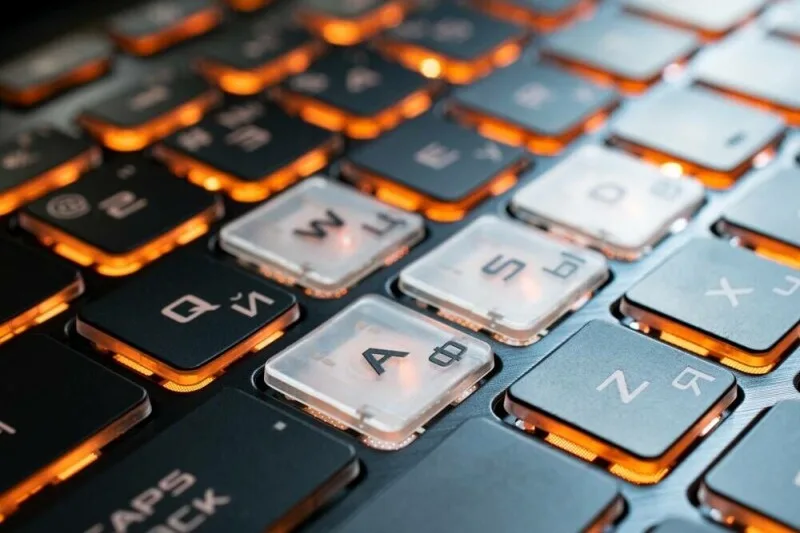
Researchers say two characters available to typosquatters and phisherfolk can trick Chromium browsers into displaying lookalike URLs as genuine web addresses.
Wangling a domain name to look an awful lot like that of a popular website is nothing new.
We’ve all encountered phishing sites such as macrosoft[.]com and applle[.]com before in our daily struggles against spam.
However, as browsers mature, new characters are always being made available for use.
This opens up new opportunities for those whose languages contain characters/homoglyphs that aren’t ASCII-compliant, but it also introduces new ways for attackers to abuse display logic quirks in programs like Chrome and Edge.
According to Ian Muscat and Leanne Briffa of Have I Been Squatted, there are still characters available to cyber-imposters that can reliably fool web users into trusting URLs that they certainly should not.
The latest glyphs bypassing browser safety checks allow tricksters to run websites from a clearly fake domain name (when displayed in Punycode), although they appear just like the real deal in Unicode.
The characters of note, in this case, are ө, which is found in various Cyrillic languages such as Kazakh, Mongolian, and Tatar, and the Latin K with hook, ƙ, used in Hausa and Karai-karai.
Both are visually similar to the letters e/o, i, and k, respectively, and allowed the researchers to register 20 lookalike domain names.
These included: aррӏө[.]com sрасөх[.]com oƙta[.]com niƙe[.]com Below are the URLs’ Punycode equivalents – how browsers should display them safely: xn--80a6aa68c8d.com xn--80a5aeq0fr0c.com xn--ota-f6a.com xn--nie-g6a.com You can try them out; they’re registered by Have I Been Squatted and are safe to visit.
They take you to research demo pages set up by the researchers, and each page explains how exactly they bypass browser protections.
Crucially, they all bypass the key security measures deployed by Chromium-based browsers.
How the bypasses work Browsers deploy two main defense layers.
The first is a set of seven sequential checks run by Chromium’s SafeToDisplayAsUnicode function, which check for a range of common spoofing methods.
5News aggregated this summary from the outlet’s public feed. The full article, with all the context, is on www.theregister.com — the content belongs to The Register.