The Anker Prime fast-charge 14-in-1 docking station 'hits the right notes in all the crucial areas' — and it just got a big price cut at Amazon
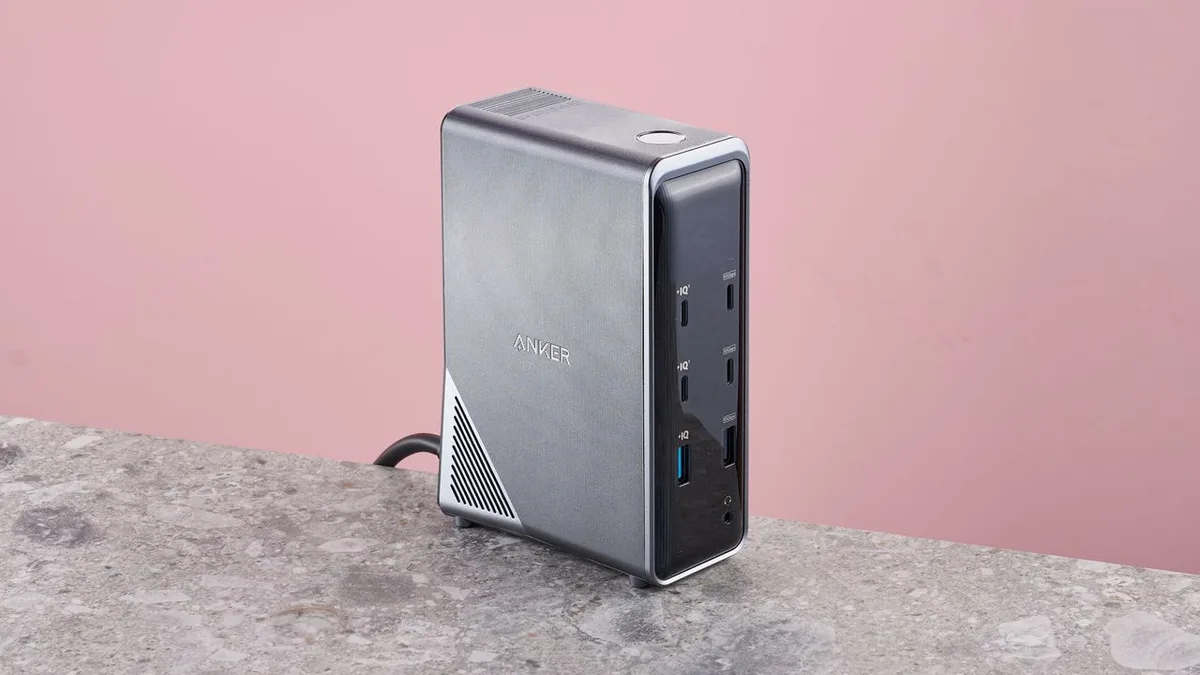
Anker's 14-in-1 docking station was one of those desk accessories we didn't know we needed so much until we tested it.
This fast-charging desktop dock lets you charge a laptop, run two monitors, and move files at full speed.
And right now, the Anker Prime 14-in-1 charging docking station is down to $170 (was $270) at Amazon .
Ideal for home offices and dorm rooms, this is one of those devices I recommend whether it's for back-to-school prep or upgrading your workspace.
It's just so useful, and we called it a practical, well-equipped solution when we tested it.
In the UK, the Anker Prime 14-in-1 dock is now £150 (was £175) at Amazon .
Prime Docking Station, 14-in-1: was $269.99 now $169.99 14 total ports including two 10Gbps USB-C data ports, two 100W USB-C charging ports, dual HDMI outputs supporting 4K at 60Hz, Gigabit Ethernet, a 3.5mm audio jack, and a mix of USB-A ports for additional peripherals.
Total power output reaches 160W across the dock's charging ports, with an onboard display for monitoring power and connection status.
In the UK: now £150 (was £175) View Deal Why we recommend it We tested the Anker Prime Charging Docking Station , and it proved a genuinely practical way to consolidate a busy desk setup into one connection.
The dual HDMI outputs supporting 4K at 60Hz cover a two-monitor setup cleanly, and the pair of 10Gbps USB-C data ports made transferring large files noticeably faster than the more common 480Mbps USB-A ports found on cheaper docks.
Charging performance stood out during testing too.
With three dedicated charging ports capable of 100W each and a 160W total budget, the dock handled multiple devices at once without meaningfully slowing any of them down, and fast charging kicked in reliably for phones plugged in alongside a laptop.
The one real omission is a card reader, which is a minor gap given how comprehensive the rest of the port selection is.
An external reader plugged into one of the USB-C ports covers that gap easily enough if you need it regularly.
5News aggregated this summary from the outlet’s public feed. The full article, with all the context, is on www.techradar.com — the content belongs to TechRadar.