How to self-host your own AI agent
When you run AI agents like ChatGPT Work or Microsoft Copilot, your files and prompts all pass through third-party servers that you’re not in control of.
Essentially, you’re paying a subscription fee for the privilege of letting someone else handle your data, when you could be running the same tasks locally from your own hardware.
For professionals and teams that work in regulated industries or need to ensure strict local compliance, this can be an ongoing challenge.
Even when you’re opting out of model training in ChatGPT or Claude, you’re trusting them to honor that agreement with very little legal recourse in case they don’t.
However, self-hosting your own agents is not as complicated as it used to be.
You can easily set up a private OpenClaw environment on your local workstation, VPS , or NAS.
Then if you want, you can go the extra mile by layering your OpenClaw setup with Open WebUI’s polished visual interface.
I’ve run this setup myself on my home computer, and I’ll show you how easily you can do it too.
What you'll need before we start A local desktop, virtual machine, VPS, or NAS device running Linux.
It should have at least 4GB of RAM and 20GB of free storage space.
Sudo access to your Linux operating system.
Node.js 22 or later installed on your OS (Node.js 24 is the recommended version).
An API key for your preferred LLM vendor, such as OpenAI or Anthropic.
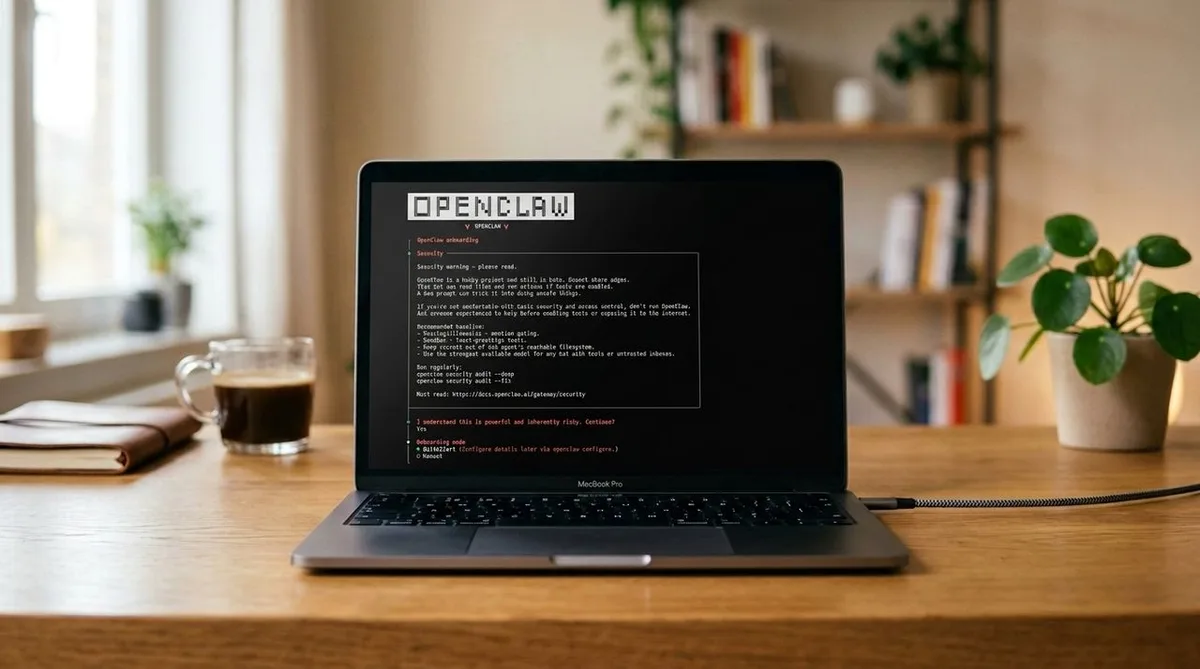
Or if you have the GPU for it, you can run an open-weight LLM like Llama 3.3 locally on your system with Ollama (optional). (Image credit: Openclaw/Edited with Gemini ) Step-by-step installation guide for self-hosting your own AI agent Step 1: Install OpenClaw OpenClaw is an open-source autonomous agent framework that can run shell commands, browse the web, read/write files, and connect to messaging apps using your local infrastructure.
5News aggregated this summary from the outlet’s public feed. The full article, with all the context, is on www.techradar.com — the content belongs to TechRadar.