Wi-Fi 6 vs Wi-Fi 7: What's the difference wnd which is better for home internet?
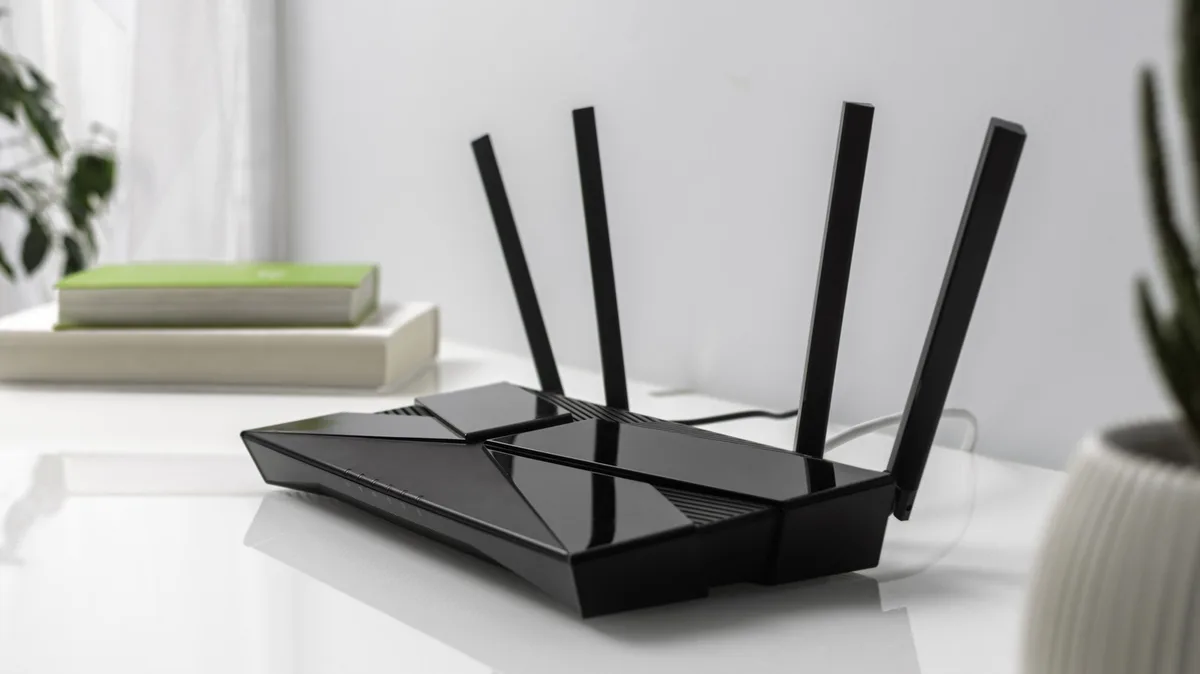
There are improvements, but broad adoption of the new standard has been slow.
Fortunately, Wi-Fi 7 is backwards compatible, meaning that old printer you bought at a cousin's garage sale will connect to new routers without a hitch. You don't have to go out and replace all of your electronics. Those older devices can't take advantage of the networking standard's latest features, though.
Terms like 4K-QAM (Quadrature Amplitude Modulation) and Multi-Link Operation can sound more like technobabble than meaningful improvements. And not every Wi-Fi 7 router comes equipped with the same features. Here's a comprehensive breakdown of the key components of Wi-Fi 7 hardware, why it's worth investing in and what it means for your internet speeds.
Tri-band Wi-Fi 7 routers can be worth the extra cost when compared to older ones, especially if your home internet is congested by a family's worth of personal devices. These routers can, theoretically, reach speeds of 46 Gbps, up to 5x higher than Wi-Fi 6E.
However, real-world performance depends on your internet plan and how many high-demand devices are connected to it. CNET's testing found that Wi-Fi 7 routers maintained a strong signal at longer distances than previous generations. It also showed that tri-band models perform significantly better than dual-band ones.
One of the latest standard's main strengths is Multi-Link Operation (MLO), letting routers send and receive data across 2.4 GHz, 5 GHz and 6 GHz frequency bands simultaneously. 320 MHz channel widths on supported Wi-Fi 7 routers doubles the width used in 6E, improving data rates, which can be especially useful when multiple devices are streaming and downloading 4K or 8K content. However, testing by RTINGS revealed that the implementation of these features tends to be inconsistent across devices.
While older hardware is cheaper, you can find good Wi-Fi 7 routers without breaking the bank. The TP-Link Archer BE550Bear can often be found under $200. Keep in mind that cheaper dual-band options like the TP-Link Archer BE230 may lack support for the 6 GHz band and 320 MHz channels. Other misleading Wi-Fi 7 routers even drop true simultaneous MLO support.
While Wi-Fi 7 might be the newest kid on the block, don't count out its predecessors. If you're switching from Wi-Fi 5 (802.11ac), consider Wi-Fi 6 (802.11ax) or even Wi-Fi 6E — the additional 6 GHz band with high-bandwidth 80 MHz and 160 MHz channels presents a meaningful step up from Wi-Fi 6's 2.4 GHz and 5 GHz bands. For a typical home environment, 6E routers still perform reliably and handle multiple devices without drastic drops in speed.
Another reason to consider Wi-Fi 6 or 6E is Wi-Fi 7's limited adoption. While Apple's iPhone 17 lineup does support it, the lack of 320 MHz channel support means identical performance in theory, regardless of whether it connects to a Wi-Fi 6 or Wi-Fi 7 router.
5News aggregated this summary from the outlet’s public feed. The full article, with all the context, is on www.engadget.com — the content belongs to Engadget.