iOS 27.2 beta arrives. How to try the new iPhone Health app.
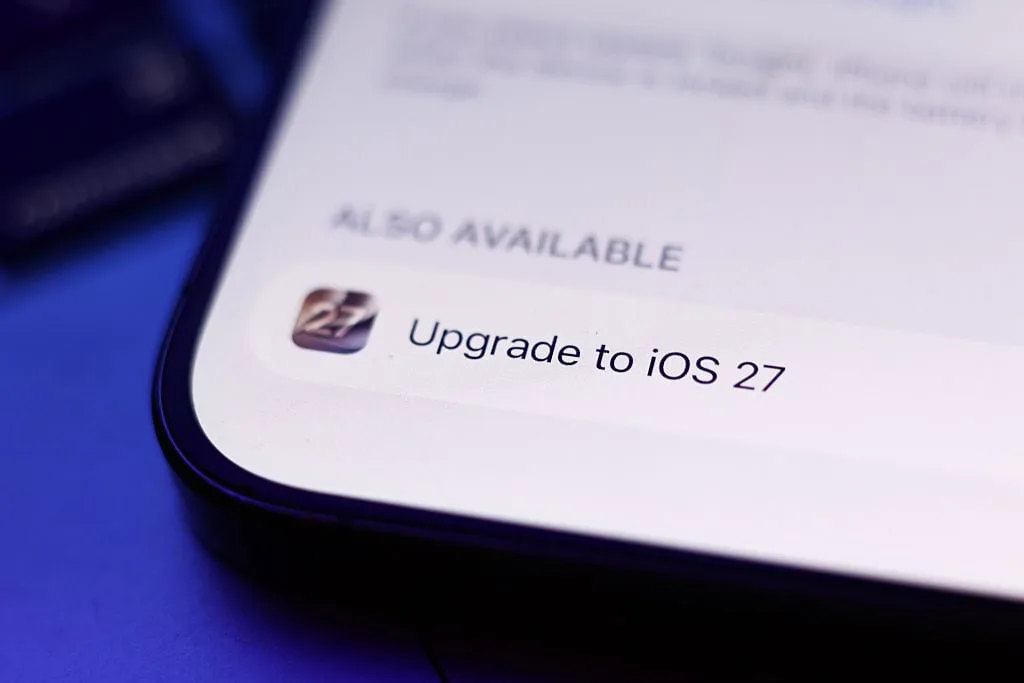
Apple has a new iOS beta out for anyone who wants to test new iPhone features early.
This time, it's a public beta for iOS 27.2.
You might be wondering: Where is iOS 27.1? The answer is a bit odd: Apple is launching the first big iOS 27 update with the iPhone Duo in October, so to keep iPhone Duo-specific features under wraps, the company is beta testing iOS 27.2 first.
That means you're unlikely to find any nuggets of info about the iPhone Duo in the iOS 27.2 beta, but fret not, as there is still plenty to chew on.
SEE ALSO: If you have an iPhone, Apple might owe you money.
Here's how to claim it.
How to install iOS 27.2 beta As always, Apple's beta process is pretty simple and requires only a modicum of effort on your part.
Before getting started, though, make sure you have a recent device backup saved in the cloud.
You never know what could happen with beta software.
Here's a basic rundown of how it works: Go to Apple's beta software program page , sign up with your Apple account, and register whichever device you want to install the beta on.
On the device, go to Settings, then General, then Software Update.
Choose the iOS 27.2 beta as the software version you want to upgrade to.
After that, just wait for the update to download and install. iOS 27.2 beta: What's up with the Health app? There's the new app.
Credit: Apple Earlier in September, Apple announced a revamped Health app coming to iPhones later this year.
5News aggregated this summary from the outlet’s public feed. The full article, with all the context, is on mashable.com — the content belongs to Mashable.