Stop wasting your Wi-Fi router's USB port — try this instead
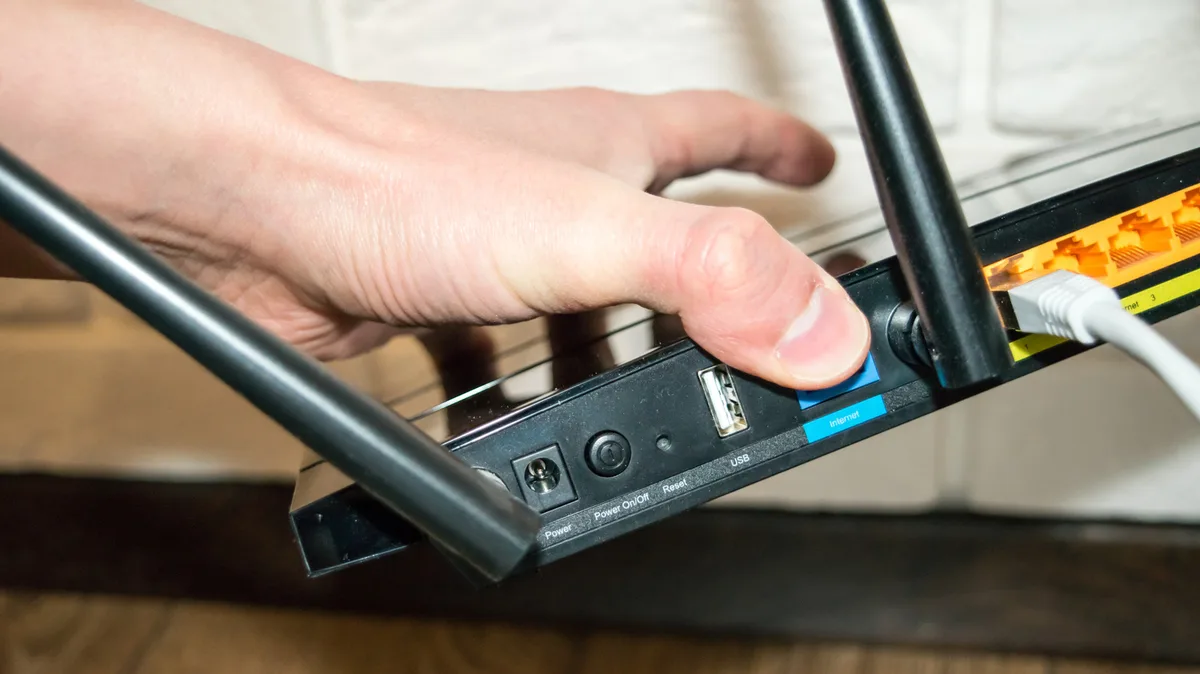
Routers are fundamentally low-power computers with a CPU, memory and a lightweight operating system. Newer models have more performance headroom alongside faster USB 3.x ports, giving them access to more powerful network routing features. If you've never thought about taking full advantage of this port on your router, it's worth exploring what it can do.
While exact capabilities vary by manufacturer and model, the USB port on the back of your router can typically be used to create a file server. The idea is simple: plug in an external hard drive or SSD, or even a flash drive, and you can access it from any device connected to the router. You'll need to enable this feature your the router's settings first. Look for an option called File sharing , USB storage device , Media sharing , ReadySHARE or some variation of these terms.
Once enabled, you can access the storage device through SMB, Samba or FTP, depending on your router's model. You can find detailed instructions on manufacturer websites like TP-Link and Asus .
Printer sharing is another common use for the USB port on your router. If you own an older or inexpensive printer that doesn't include Wi-Fi, you can run print jobs wirelessly and don't have to connect your printer to individual computers. However, compatibility depends on your router and printer; you may need to install a utility like Asus' EZ printer sharing app on your PC as part of the setup process.
Finally, some routers support cellular dongles connected to the USB port. This doesn't work on every model, since the router's software needs to negotiate a 4G or 5G connection. But assuming it works on yours, a cellular connection can be either your primary internet source or a fallback for when your ISP goes down. The latter is called dual WAN failover or multi-WAN.
Modern routers also allow you to share your Android phone's internet connection via USB tethering . This eliminates the need for a dedicated USB dongle, but it also means you don't benefit from the automatic failover feature since you have to plug your phone in every time. While you could turn your phone into a wireless hotspot instead, sharing access through the router means your existing devices don't need to switch to a different Wi-Fi network.
In my experience, some routers also struggle with portable hard drives since they draw more power than a simple flash drive. If you don't already own one, I'd recommend picking a hard drive with an external power adapter. But at that point, it's likely worth investing in a dedicated network-attached storage (NAS) box. These aren't as compact as a simple drive plugged into your router, but they offer much better stability and performance.
With a dedicated NAS, you can typically install multiple hard drives and set up redundancy through a feature called RAID. In the event that a single drive fails, you won't lose any data. RAID isn't a true backup, but it's still an important first step to insulate yourself from data loss.
Printer sharing has drawbacks too, since you need companion software installed on your PC in many cases.
5News aggregated this summary from the outlet’s public feed. The full article, with all the context, is on www.engadget.com — the content belongs to Engadget.