External HDD vs. SSD: What are the pros and cons of each drive type?
kamitana/Shutterstock Add Engadget on Google: Preferred Source Google Discover We may receive a commission on purchases made from links.
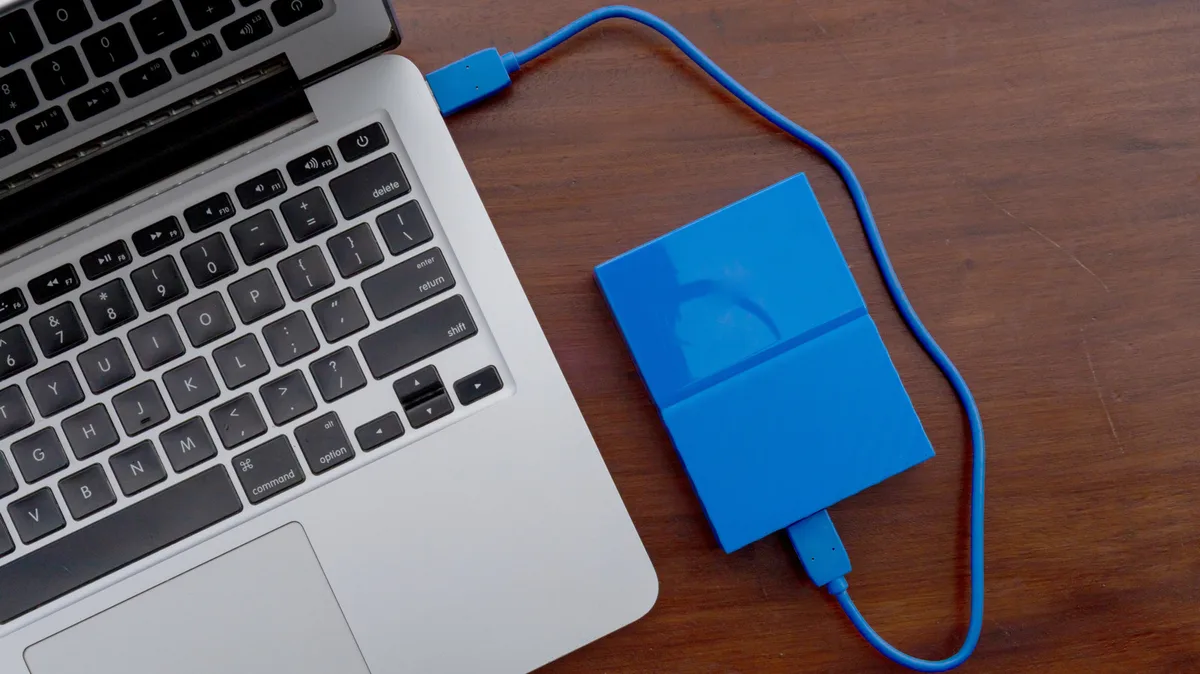
External drives are great for adding more storage to a laptop, since swapping or adding internal laptop drives isn't usually possible today. But they're also a good option for carrying data between locations, creating backup archives or any other data storage needs. And just like when buying an internal drive, you'll have to choose between solid-state drives (SSDs) and hard disk drives (HDDs) when picking up external storage.
Even though SSDs are more modern, they aren't automatically the right choice in every scenario. They both have their place, which means getting one of each is smart. But when storage and RAM prices are high , this isn't always feasible, so buying the right drive type matters even more.
Hadrian/Shutterstock The primary advantage of external SSDs is their speed. All SSDs use flash storage, which allows random sections to be loaded instantly. For an internal drive, using one of the best SSDs means your system disk boots the operating system and opens apps quickly. On an external drive, the speed boost is mainly applicable when transferring and opening files.
How much this matters depends on how you use the device. If you move gigabytes of files between devices daily, or if you regularly load photos and videos from an external drive to edit, it makes a huge difference. If you want to create an archive of files and then rarely touch it, the speed boosts aren't as important.
SSDs are also more suitable for carrying around. Because they have no moving parts inside, they aren't terribly susceptible to bumps and drops. If you're clumsy or often carry a drive around outside, an SSD will likely last longer. Their simpler internal makeup also makes them lighter and smaller, which is a consideration if you're keeping them in your backpack or bag.
External SSDs don't make noise, which people around you will appreciate. The lack of internal motors also means SSDs require less power to run than a traditional hard drive, which is a factor if you often use your laptop away from a charger and don't want to purchase a laptop power bank .
For all these perks, the largest drawback of SSDs is their cost per gigabyte. Even when storage prices aren't inflated, the best external SSDs provide far less space for the money than an HDD. For example, at the time of writing, Amazon has the Samsung T9 Portable SSD 1TB for around $232, while the Seagate 2TB Portable Hard Drive is $130. Of course, there are various standards and configurations for each, but you're going to get less space for the money with an SSD no matter what.
solosergio/Shutterstock HDDs offer the inverse value of SSDs. The biggest reason to opt for an external HDD is the amount of storage you add for the money. Especially with current prices, any external SSD that's roughly 4TB or above becomes prohibitively expensive, while external HDDs are available at these massive sizes for more reasonable costs.
Otherwise, HDDs fall short everywhere SSDs excel.
5News aggregated this summary from the outlet’s public feed. The full article, with all the context, is on www.engadget.com — the content belongs to Engadget.