WatchOS 27 removes a feature from your Apple Watch
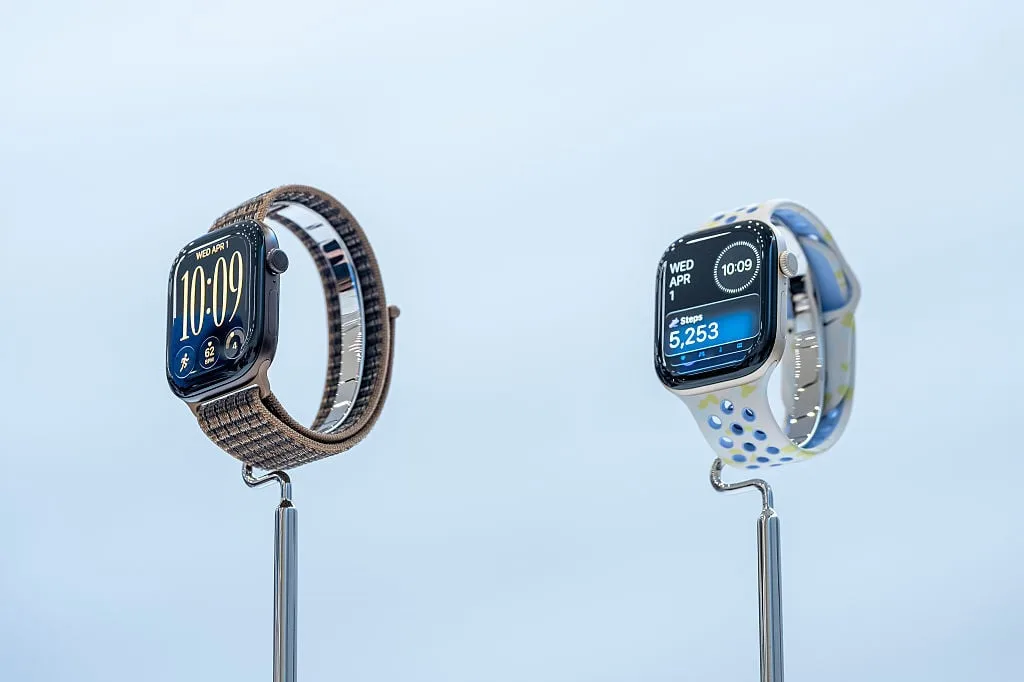
WatchOS 27 officially launched on Monday, and some Apple Watch users have noticed a shortcut feature is missing from the new OS.
MacRumors pointed out that Apple made a change to one of the key button shortcuts on all Apple Watches .
Specifically, a double-click of the Digital Crown will no longer switch between your current app and the one you were using just before it, as it has on Apple Watches for years.
Instead, its behavior will be different depending on which Apple Watch model you have.
SEE ALSO: Apple Watch Ultra 4 Review: The smartwatch for the health-conscious If you buy the new Apple Watch Series 12 or Ultra 4 when it launches on Sept.
18, the double-click action will activate Live Rewind , the controversial listening feature that transcribes spoken audio that the watch heard in the previous 15 seconds.
It makes some sense for Apple to change the button shortcut on newer models, as Live Rewind is hardware-exclusive.
But if you have an older Apple Watch that doesn't support Live Rewind, double-clicking the Digital Crown will instead bring up the app grid instead of performing the older app-switching action.
Frustratingly, there is no option in the settings for people who own either the new Apple Watch models or older ones to change this function, as MacRumors reported.
It's obviously inconvenient for owners of older models because they don't even have access to Live Rewind, but if you have a newer model and don't want to use Live Rewind, you're losing out, too.
We'll see if Apple ever addresses this in a software update.
Preorder the new Apple Watches The new Apple Watch Ultra 4 and Apple Watch Series 12 both launch on Friday, Sept.
18.
Both devices are available for preorder now.
5News aggregated this summary from the outlet’s public feed. The full article, with all the context, is on mashable.com — the content belongs to Mashable.