Common problems with Google Wallet and how to fix them
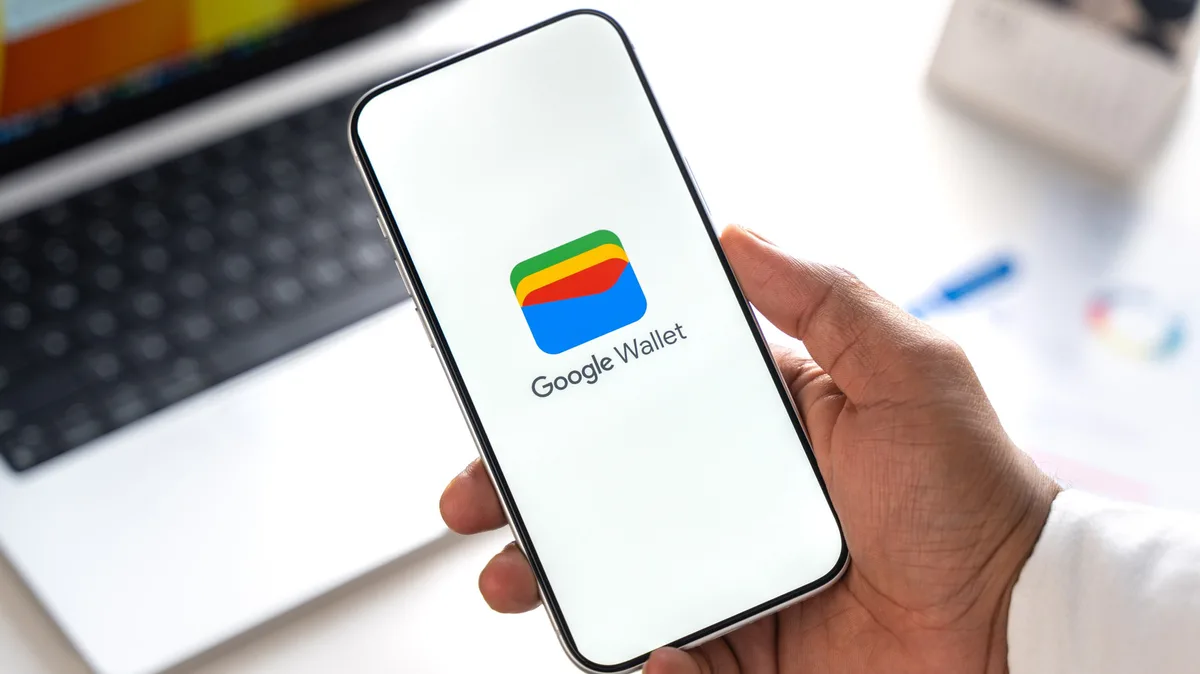
Stockinq/Shutterstock Add Engadget on Google: Preferred Source Google Discover Google Wallet is one of those apps that you quickly get used to having. Switching actual cards for virtual ones that let you pay for your shopping with your phone means you can ditch your physical wallet (and the clutter you're keeping in it). Once it's set up, you shouldn't really need to think about much else.
Seamless to use, or so it should be. There are problems that can make it difficult to use Google Wallet. Obvious ones, like a card that won't add, are frustrating enough, but there are other common issues you'll need to watch out for. Your phone settings, and even your bank or phone provider, might be a barrier.
Here are some of the problems that you might encounter and, if you do, what you can do to get things working again.
You'll also need to enable NFC, the tech that lets your phone communicate with payment terminals , by searching for it in your phone's settings and switching it on. On a recent Samsung Galaxy smartphone, it'll be listed under Connections > NFC and contactless payments , and you'll need to make sure this slider is tapped on. You can search for NFC in the Settings app if it isn't listed there.
With your card ready, you should be able to unlock your phone and hold its back against the contactless reader for a few seconds for the contactless payment to complete. One of Google Wallet's advantages over Apple Wallet is that you shouldn't need to open the app at all to get this to work, as it'll use your default card. You can use an alternative card by swiping through to that card in the Wallet app.
Move your phone around slightly if it doesn't work the first time, as the NFC antenna might be in a different place to what you expect. Waving it quickly over the terminal isn't the right method, either: just hold it in place to give it a chance to connect.
Your case is a potential blocking point, too. Thick cases, cases made of metal, and those that include slots to hold physical cards can all block or interrupt a reader. You can always double-check if it'll block payments by simply giving it a go, but you'll probably want to do this in a store that isn't busy. If it doesn't work, remove the case, try again, and you'll know for sure if the case is the problem.
Also, keep an eye for any on-screen checks and instructions. You may need to verify if it's the first payment you've made with a contactless card. If a payment fails unexpectedly, double-check with your bank to see if the issue is separate to your digital card. You can check Google's troubleshooting guidance if you do run into issues, too.
mundissima/Shutterstock A key problem with digital cards in Google Wallet is an incomplete setup. You can only start making contactless payments if your card is set up and ready to go. Just having a physical bank card isn't a guarantee that it'll translate into support for Google Wallet, though. Not all banks support Google Wallet, and you're also going to need a card or bank account that's eligible, too.
You should check with your bank or card provider in the first instance if setup fails.
5News aggregated this summary from the outlet’s public feed. The full article, with all the context, is on www.engadget.com — the content belongs to Engadget.