Passkey vs. password: What's the difference and which is better?
Passkeys solve many of the problems with passwords, but they aren’t used everywhere yet.
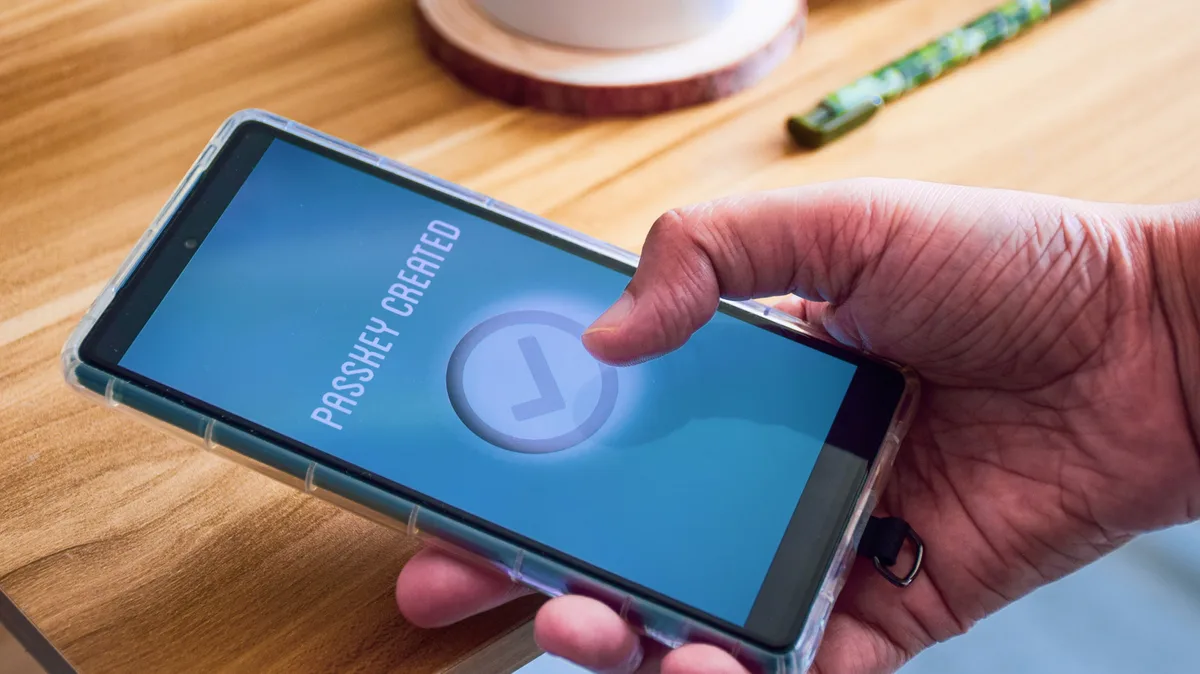
Linaimages/Shutterstock You've likely been prompted to add a passkey to some of your accounts. Passwords are familiar but have many issues, while passkeys offer solid improvements but aren't supported on all sites.
Despite being an upgrade from the old standard in many ways, passkeys have their own quirks to understand. Because they're tied to a device or software instead of something you remember, you must take care not to get locked out of where you've stored them. It's also not as simple to share one in the same way you would give a password to a friend. But for most people, passkeys are well worth using over passwords — especially if you aren't already using a password manager to secure your logins.
Once you understand how they work, moving your online logins to passkeys will save you tedious steps every day. The most important aspect is how you store them; thankfully, most major operating systems and password managers support this option.
Ratana21/Shutterstock First, let's discuss how each one functions. A classic password is a "secret code" of text that authenticates your account. Websites don't (or shouldn't) store these in plain text; that's incredibly insecure because a data breach would expose all login info. Instead, a one-way function is applied to your password that creates a scrambled version, known as a hash. When you enter the correct password, the hashed version is checked against what's in the database, and you log in successfully. There are additional security measures, like "salting" (adding a random string of data to the hash) to make unique hashes of identical passwords, but those are the basics.
Passkeys don't require you to remember any text. They rely on two keys: a public key the website stores and a private key held on your device. When you try to log into your account, the website asks you to confirm using the passkey stored on your phone or PC. These keys are kept in a secure part of your phone's storage and use your device's existing authentication method (like Face ID, Windows Hello PIN or fingerprint scanner). You don't have to remember anything, except your device's PIN if biometrics fail.
If public and private keys feel abstract, think of them like a locked mailbox. Anyone can drop mail in the public slot (a letter asking you to prove who you are), but only the owner with the key can unlock it (to "sign the letter" authenticating yourself). Seeing the mailbox doesn't give you any clues to what the key is. And in the case of passkeys, there are two additional layers: The key on your device is safely kept behind biometrics, and it's engineered to never work with a fake mailbox (phishing site).
This is another reason to set strong lock screen security on your phone or computer. While biometrics are the best mix of convenience and security, you don't want a PIN of "1234" being the gate to all your logins.
Ica-Photo/Shutterstock You've likely dealt with the flaws of passwords for many years.
5News aggregated this summary from the outlet’s public feed. The full article, with all the context, is on www.engadget.com — the content belongs to Engadget.