This handy Google Pixel feature can help solve annoying Android Bluetooth problems
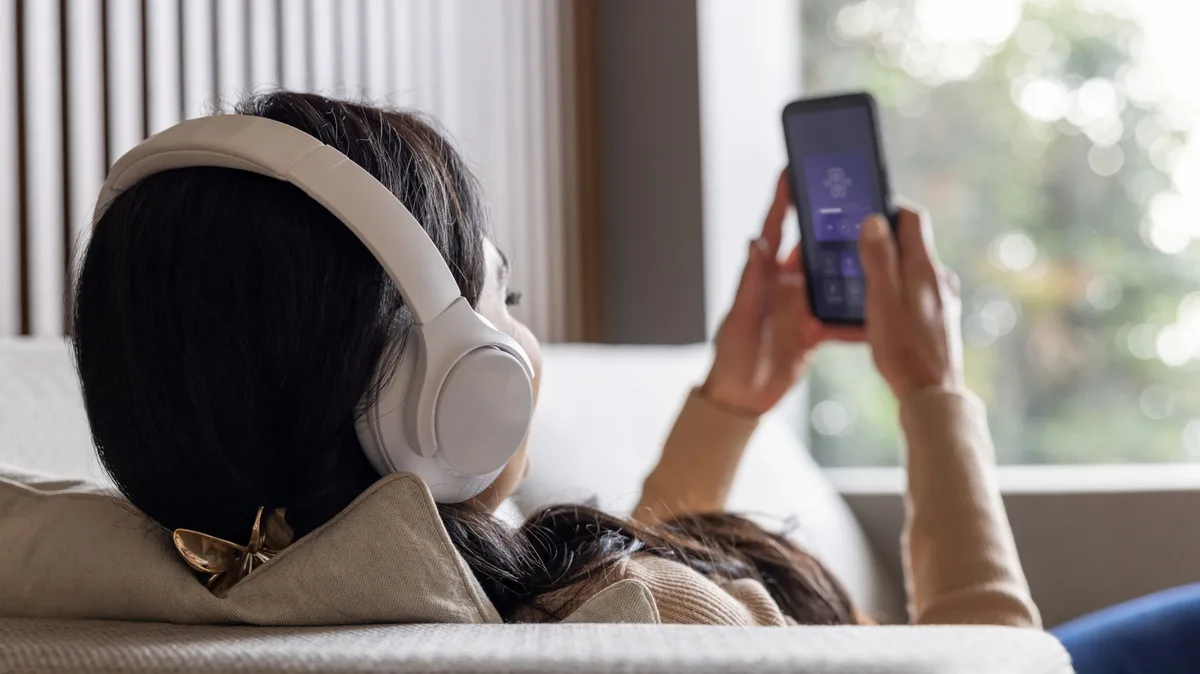
Google has given Pixel owners at least some direction on where to start troubleshooting. Bluetooth Diagnostics can help test a problematic accessory before you begin forgetting devices, rebooting everything in sight and pairing it all again because, well, Bluetooth.
Now, before the Android community comes together to rejoice, here's the catch. It is a Pixel feature, and Google currently lists Bluetooth Diagnostics for Pixel 6 and newer, including Fold models.
Yasin Hasan/Shutterstock A Bluetooth link can fail in very particular ways. For example, music may work but calls may not, or your phone may be able to see the car just fine, but Android Auto still won't cooperate, so going down the rabbit hole of a "Bluetooth is broken" issue can lead you to troubleshooting the wrong thing for 30 minutes.
The good news is that Google hasn't buried this diagnostic help behind anything particularly exotic. On our Pixel 8 Pro test, we discovered Bluetooth Diagnostics in Settings > Connected devices . From there, the phone offered tests for media audio, calls and other problems. The media test played a sound and asked if we could hear it.
Connections to vehicles are where Bluetooth troubleshooting can get particularly annoying. Wireless Android Auto uses both Bluetooth and Wi-Fi , which means Bluetooth can be working just fine while Android Auto is still throwing a fit. Bluetooth handles the initial connection and hands-free calls, while Wi-Fi carries most of the data.
But Google isn't the early bird here. Samsung Members, Samsung's built-in support and diagnostics app for Galaxy devices, already includes individual tests and a broader device-wide diagnostic sweep.
Bluetooth Diagnostics can give you a better idea of where the failure lies. But it cannot repair a dead earbud, fix dodgy accessory firmware or persuade incompatible hardware to suddenly become friends.
Google's own Bluetooth support guidance still recommends the familiar fixes when necessary, including toggling Bluetooth, checking that devices are paired, restarting them and forgetting an accessory before pairing it again. Those basics still earn their keep. If a speaker is the problem, pairing failures, interference and other common Bluetooth speaker problems are worth ruling out before reaching for the factory-reset button.
There is also a privacy choice worth noticing. If you decide to share device and Bluetooth diagnostics with Google, the company says that information can include accessory details, connection-test results and hardware status. An optional bug report can contain a Bluetooth HCI snoop log with interaction data such as device names, MAC addresses and LE Audio reports.
5News aggregated this summary from the outlet’s public feed. The full article, with all the context, is on www.engadget.com — the content belongs to Engadget.