Sunday, October 11, 2026 SourcesAbout🌓
🇺🇸 US ▾
BREAKING
› The 7 best high-yield savings accounts of April 2023› Taxes are due tomorrow. Here's how to file for an extension› Composting is an easy way to reduce food waste. Here's how to do it› We stopped using aluminum foil for cooking and you should too. Here's what to use instead› The beloved Dyson Supersonic hair dryer is at its lowest price ever› Everything you need to know about Way Day 2023, Wayfair's biggest sale of the year› The 10 best Amazon deals to shop this week› The 2024 presidential alternative many voters will want› Dominion still has pending lawsuits against election deniers such as Rudy Giuliani and Sidney Powell› Russia is 'going backwards' in equipment and deploying post WWII-era tanks, according to Western officials› The 7 best high-yield savings accounts of April 2023› Taxes are due tomorrow. Here's how to file for an extension› Composting is an easy way to reduce food waste. Here's how to do it› We stopped using aluminum foil for cooking and you should too. Here's what to use instead› The beloved Dyson Supersonic hair dryer is at its lowest price ever› Everything you need to know about Way Day 2023, Wayfair's biggest sale of the year› The 10 best Amazon deals to shop this week› The 2024 presidential alternative many voters will want› Dominion still has pending lawsuits against election deniers such as Rudy Giuliani and Sidney Powell› Russia is 'going backwards' in equipment and deploying post WWII-era tanks, according to Western officials
Technology

Your phone can fix badly framed photos after you take them
Fox News Tech ·
Your phone can fix badly framed photos after you take them

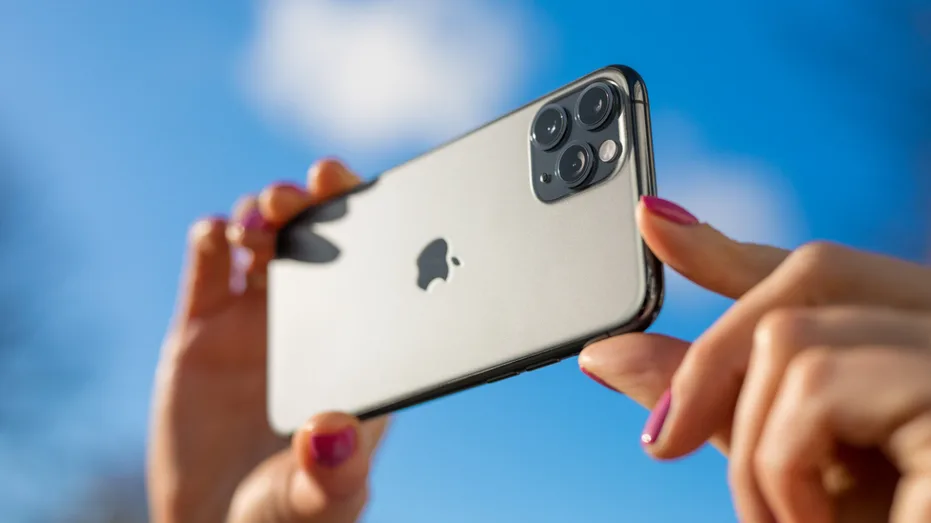
Have you ever taken a photo you really liked, only to realize later that you stood too close, cut off part of the background or framed the subject in the wrong spot? Normally, fixing that means cropping even more of the photo.

Now your phone may be able to go in the other direction.

Apple added new Extend and Reframe tools to Photos in iOS 27 .

Instead of simply cutting away part of an image, Apple Intelligence can generate additional areas around the original shot or change its perspective after you take it.

Samsung Galaxy and Google Pixel phones offer similar AI editing tools that can help rescue photos that did not come out quite the way you planned.

Join us for a free CyberGuy LIVE class.

Kurt "CyberGuy" Knutsson shares practical ways to stay safer, smarter and more confident with technology.

Explore classes on stopping spam, phone security, financial protection and using AI to get better health care .

Each class is free, easy to follow and comes with a free printable checklist .

See the classes and register at CyberGuyLive.com 12 BIGGEST APPLE WWDC 2026 TAKEAWAYS YOU NEED TO KNOW Apple added several Apple Intelligence upgrades to Photos with iOS 27.

Two of the most useful are Extend and Reframe.

Extend lets you expand a photo beyond its original borders.

For example, if someone's head is too close to the top of the image or you want more space around the subject, Apple Intelligence can generate additional background.

Reframe goes further.

Read the full article on Fox News Tech ›

5News aggregated this summary from the outlet’s public feed. The full article, with all the context, is on www.foxnews.com — the content belongs to Fox News Tech.


This story in other outlets

More from Fox News Tech

See all ›

More in Technology

See all ›