Is your employer depositing PF every month? How to check, what to do if they are not?
Many employees check their salary slips to see whether provident fund (PF) has been deducted, but a deduction does not automatically confirm that the money has reached their PF account. The employer must also deposit the contribution with the Employees’ Provident Fund Organisation (EPFO).
Companies or firms are required to deposit both the PF deducted from employees and their own contribution with the Union retirement fund body within 15 days of the close of the month.
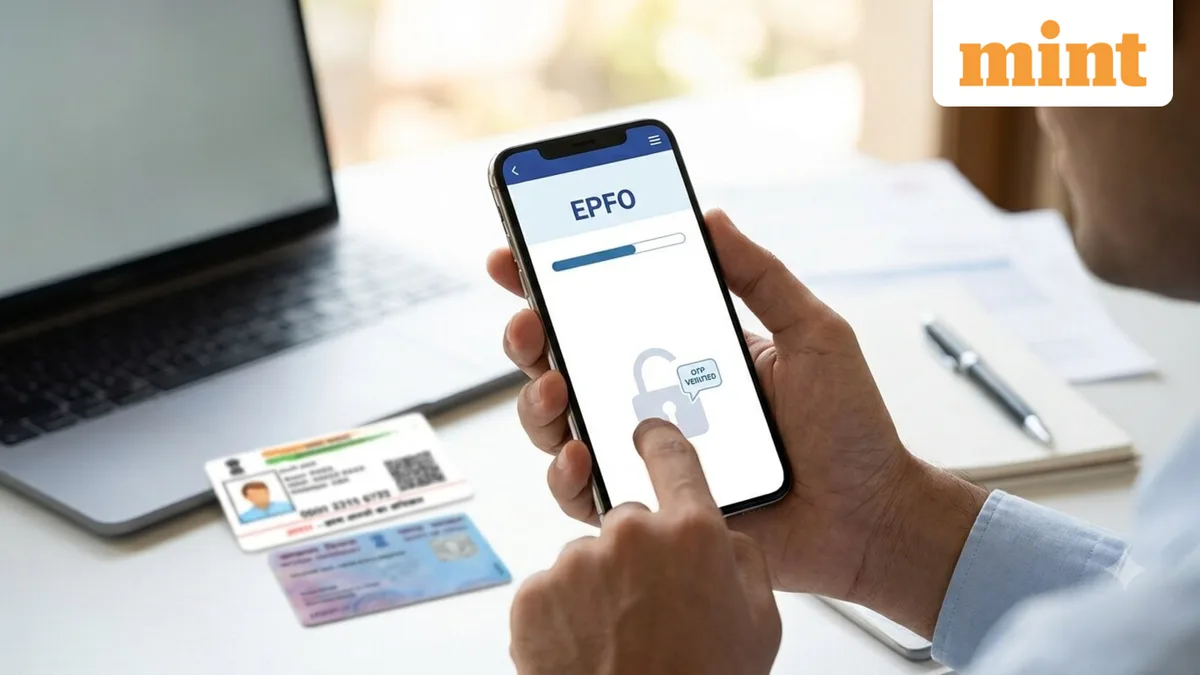
Employees can check whether their employer is depositing PF contributions every month through the EPFO member portal . The EPF passbook shows the contributions credited under your Universal Account Number (UAN), including your contribution, the employer’s contribution and the Employees’ Pension Scheme (EPS) contribution, where applicable.
Ideally, an individual should check their EPF passbook every few months and compare the entries with their salary slips to ensure that the deducted amount matches the deposited amount. The passbook gives a month-by-month record, making it easier to spot missing contributions
For example, if PF was deducted from your July's salary, check whether the corresponding contribution appears in your passbook. Repeat this for the following months to keep a track.
According to EPFO's official website, members with an activated UAN can use the e-passbook to check their monthly contributions. You may also receive an SMS when a contribution is credited.
While checking the EPF passbook, you should check your employer’s contribution and EPS entries too, not just your own. Missing or incorrect entries can create problems when you transfer PF, withdraw money or claim pension benefits.
An employee must follow these guidelines if they want to check their EPF passbook on the EPFO member portal:
Step 1: Log in to the official EPFO Member Passbook service using your UAN credentials.
Step 2: Select the relevant Member ID and you will be able to see the contributions made during that employment tenure.
EPFO also offers Passbook Lite, which allows members to have a simpler view of contributions, withdrawals and their balance. All these EPFO services are available through the UMANG app, which can be downloaded on both iOS and Android phones.
If you have changed jobs several times, you may see multiple Member IDs linked to the same UAN. Make sure you select the Member ID corresponding to the employer and period you want to check.
First, it's important to understand that the deducted PF would not start reflecting in your passbook immediately, so it's prudent to check after the normal processing period. If it still does not show, speak to your employer’s payroll or Human Resources (HR) department.
Affected individuals may also file a grievance on the EPF i Grievance Management System (EPFIGMS) portal, or a written complaint can be filed with the PF authorities. Though you will also have to provide certain documents, such as proof of the allegations, salary slips, EPF statement, among others.
5News aggregated this summary from the outlet’s public feed. The full article, with all the context, is on www.livemint.com — the content belongs to LiveMint - Money.