Sunday, 23 August 2026 SourcesAbout🌓
🇮🇳 IN ▾
BREAKING
How to Find Which Apps Are Taking Up Storage on Android Phone: A Step-by-Step Guide Swiss tourist gets 1-year jail in Bali for insulting Hindu festival in vlog Starc claims 10 to demolish Bangladesh in two days Gachibowli building collapse that killed two was served notice 66 days earlier over unauthorised construction Prince Harry and Meghan Markle's wax models get suitcases installed Asian Games 2026: Ministry approves 492 athletes, 73 from athletics alone NRI sending money to parents in India? This one mistake could trigger an income tax notice How Canada plans to counter US tariffs with 'dollar for dollar' method as trade talks fail Andrew Garfield has thought about leaving Hollywood and acting Cycling a solution to pollution, says Union Minister Mandaviya after BRICS Friendship Cycling event How to Find Which Apps Are Taking Up Storage on Android Phone: A Step-by-Step Guide Swiss tourist gets 1-year jail in Bali for insulting Hindu festival in vlog Starc claims 10 to demolish Bangladesh in two days Gachibowli building collapse that killed two was served notice 66 days earlier over unauthorised construction Prince Harry and Meghan Markle's wax models get suitcases installed Asian Games 2026: Ministry approves 492 athletes, 73 from athletics alone NRI sending money to parents in India? This one mistake could trigger an income tax notice How Canada plans to counter US tariffs with 'dollar for dollar' method as trade talks fail Andrew Garfield has thought about leaving Hollywood and acting Cycling a solution to pollution, says Union Minister Mandaviya after BRICS Friendship Cycling event
Technology

How to Find Which Apps Are Taking Up Storage on Android Phone: A Step-by-Step Guide
Gadgets360 (NDTV) ·
How to Find Which Apps Are Taking Up Storage on Android Phone: A Step-by-Step Guide

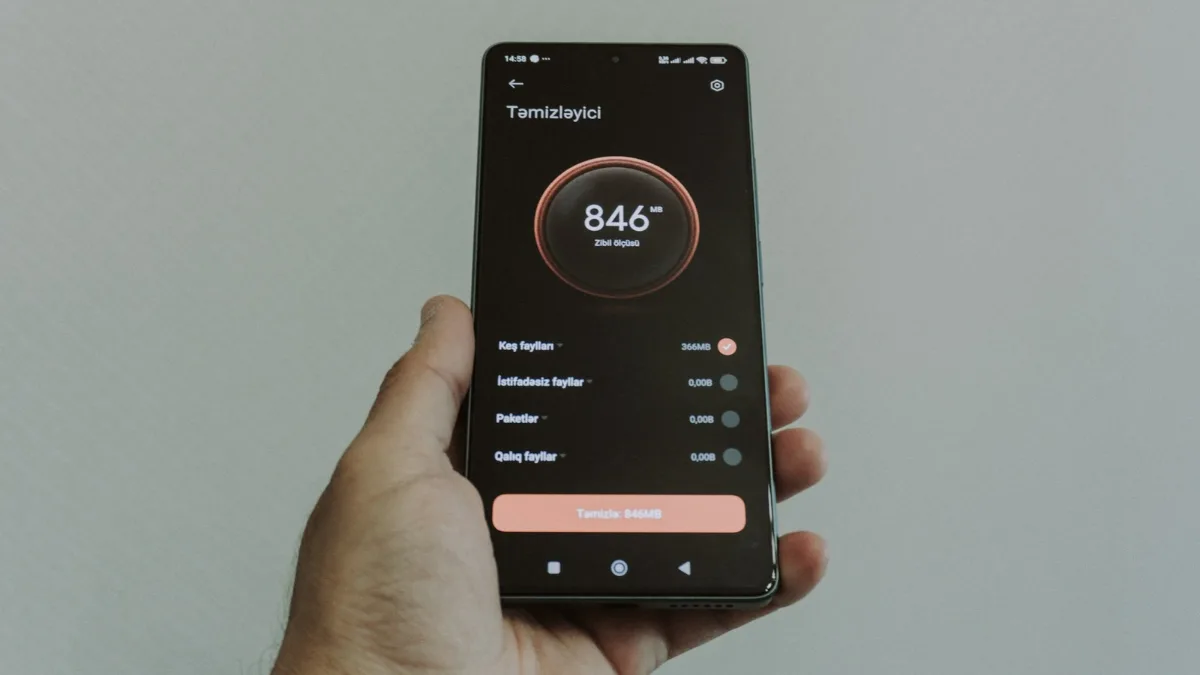
Android phone users can choose to check how much storage an app is taking on their handset easily.

This helps you identify large apps that you might not be using regularly, but are still occupying space on your phone’s internal storage.

There is only limited storage available on Android phones.

If your handset does not support an external microSD card, you do not even have an option to upgrade it.

Hence, it is important that you know which app is taking how much storage space, allowing you to prioritise your usage.

Read the full article on Gadgets360 (NDTV) ›

5News aggregated this summary from the outlet’s public feed. The full article, with all the context, is on www.gadgets360.com — the content belongs to Gadgets360 (NDTV).

More from Gadgets360 (NDTV)

See all ›

More in Technology

See all ›