Speechify is pricey, but it’s also completely transformed how I digest information
We all learn in different ways.
As a visual learner, I really appreciate seeing ideas drawn out or presented through images.
Give me a page of text, and I can read it, no problem, but not a huge amount is retained by my little grey cells.
Unfortunately, not everything can be boiled down into a simple image, diagram, or video.
Some concepts are just too complex to be simplified.
When I am forced to read a body of text, I prefer to hear someone read to me rather than read it for myself.
The problem is that not every resource has an accompanying audio feature.
I could use my web browser’s reading mode, but there’s usually only a limited number of voices, and they often sound electronic and overprocessed.
That’s why I’ve recently started using Speechify .
Homescreen heroes This is part of a regular series of articles exploring the apps that we couldn't live without.
Read them all here .
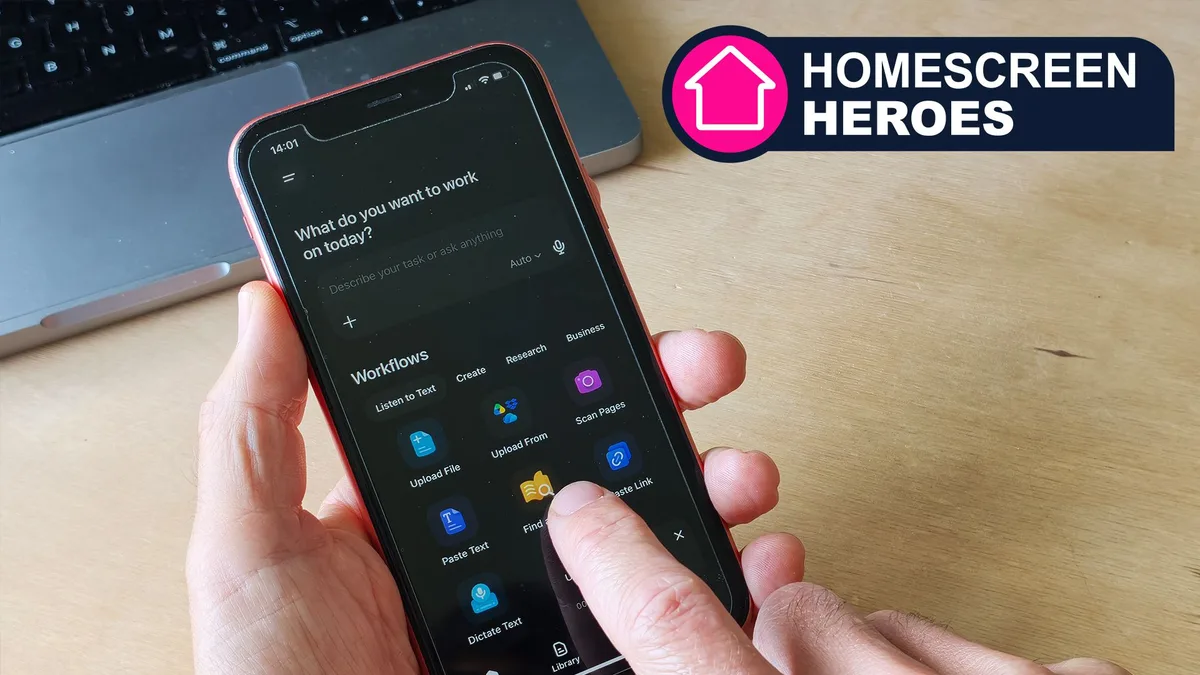
This simple and straightforward app features over 200 lifelike voices, each of which can be customized by type, pitch, and accent.
The app can read uploaded files, images, and pasted text and integrates seamlessly into a range of workflows and file repositories.
You can even choose the reading speed to be up to 4.5 times the normal speed, although I wouldn't recommend that! (Image credit: Future / Paul Hatton) AI voices that sound natural Whatever you like to read, Speechify has so many voices on offer that you’re bound to find one that you enjoy listening to.
5News aggregated this summary from the outlet’s public feed. The full article, with all the context, is on www.techradar.com — the content belongs to TechRadar.