Snap Specs Hands-On: Dorky, Fun, and Potentially Too Ambitious
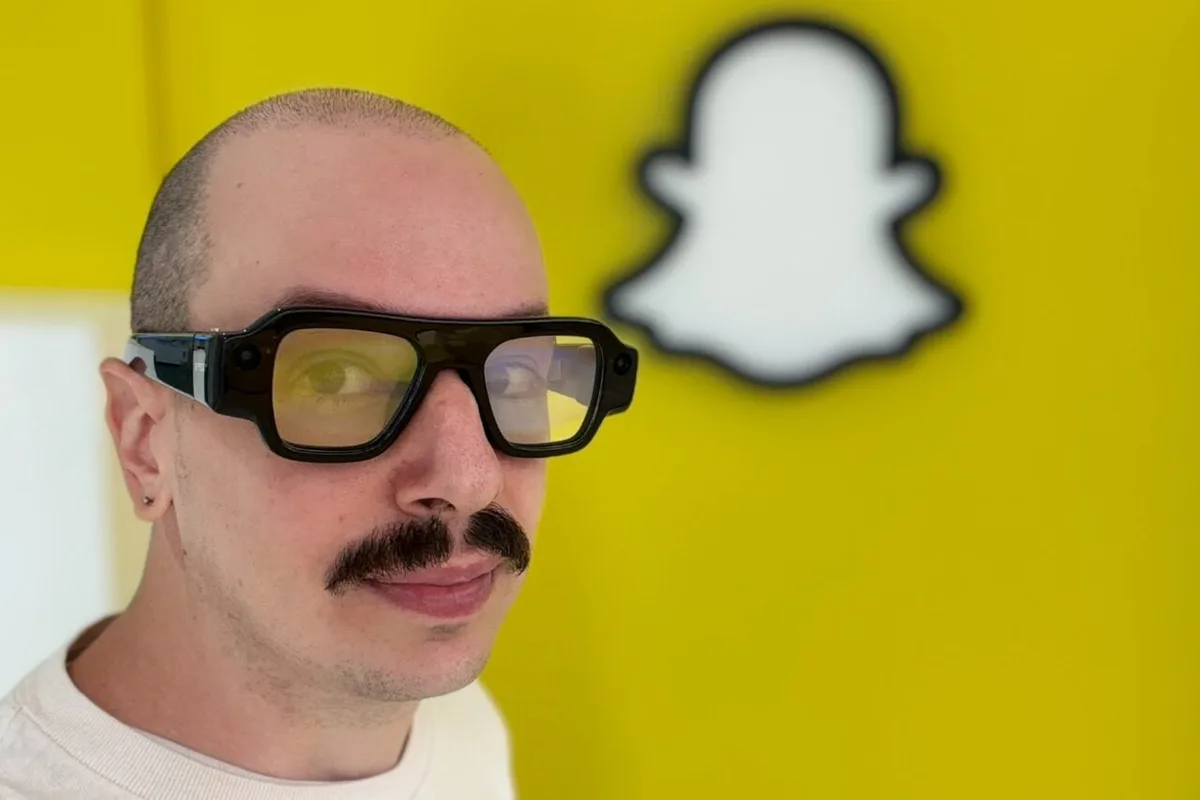
After nearly a decade in the game, Snap is finally ready to deliver its AR glasses to the world. I covered Snap Specs back in June when they were first announced, but at the time I hadn’t gotten the chance to try them out for myself, which naturally left me with a lot of questions about what they’re like to wear—questions I can now (mostly) shed some light on.
After a decent amount of time with Specs on my face and my ears, I’ve got both good and bad news for AR glasses as they stand today.
If there’s one thing that Specs do not lack, it’s ambition. As I wrote back in June, these aren’t smart glasses in the style of Meta’s AI glasses. While the Meta Ray-Ban Display have a small display in them (a 600 x 600 pixel screen in the bottom-right corner of one lens), Snap Specs are going for something bigger—they’re going for augmented reality.
That means the screen isn’t just a conduit for things like 2D notifications and navigation; they’ve got more DNA from mixed reality headsets like Meta’s Quest 3 . With Specs on your face, you have access to apps and experiences that actually superimpose digital stuff onto your eyeballs. I got to ogle some of that stuff myself for the first time, and the experience is a bit of a rollercoaster.
At first blush, it’s all pretty impressive. I was able to try out experiences like Soccer Skills, which is an AR app that lets you dribble a soccer ball while your Specs give you directions, with augmented arrows that you have to move the ball through to complete the drill. Not going to lie: it was fun. I don’t expect anyone is going to become the next Erling Haaland by wearing Specs, but for light practice purposes, or just entertainment, it was effective.
Less fun were apps like Dominoes. It’s not that I have a problem with the game of dominoes itself or how Snap designed the experience, but the act of actually playing together was hindered a bit by probably my biggest gripe with Specs: the field of view (FOV).
Specs might have a much improved FOV over the last developer-focused generation—51 degrees over 45 degrees—but it still feels like a tight window compared to a bigger headset like the Quest 3, which has a 110-degree FOV. In non-technical terms, that means you may end up doing a lot of looking around for the digital UI you’re supposed to be looking at.
When playing Dominoes with a Snap representative, for example, it took me a bit of time to even find the dominoes I was supposed to be moving around—they were off to the left, out of my sight, and every time I wanted to move a domino, I had to look for it again.
The FOV also affects the UI. I had to resize windows a lot, trying to get them to sit in a position that felt easily glanceable. While using apps like Translation, for example, the text I was supposed to be reading while a Snap representative spoke Italian to me liked to drift away from view, making my look at the ground while he spoke.
5News aggregated this summary from the outlet’s public feed. The full article, with all the context, is on gizmodo.com — the content belongs to Gizmodo.