A week with Googlebooks: four notes from our testing so far
It’s been a whirlwind time of coming to grips with Google’s new laptops, and we’ve got feelings about Googlebook OS.
It’s been a whirlwind time of coming to grips with Google’s new laptops, and we’ve got feelings about Googlebook OS.
Google’s new operating system is off to a rocky start . The five newly launched Googlebook laptops have hardware that ranges from great to excellent, but the software in its current state is the weak point. There are four of us on staff at The Verge actively testing Googlebooks and, frankly, our internal Slack discussions have been mostly filled with collective venting of frustrations, disappointments, and bewilderment.
The promise of Googlebooks as a fresh and smartly designed alternative to Windows or Mac for Android phone owners sounds great, but there’s more than just a few kinks and quirks to work out. Some of its issues and challenges in the road ahead are systemic to Android.
While we’re actively testing each and every Googlebook from all of Google’s partner OEMs, we thought we’d come together and share a glimpse of where our heads are at with these new laptops.
While a lot of my thoughts are well documented in our initial hands-on article , I keep coming back to what a Google rep told me at the Googlebook launch preview: Replacing ChromeOS with Android will allow for much faster development. That’s great, but why does Googlebook OS feel like a bit of a set back from ChromeOS at launch? It shares some of ChromeOS’ flaws, like not allowing you to run Chrome with separate Google accounts. And many Android apps feel as clunky to run on a Googlebook as they did on ChromeOS. (Google even put Android’s navigation buttons on the Googlebook keyboard — seemingly in part as a fallback option for misbehaving apps.)
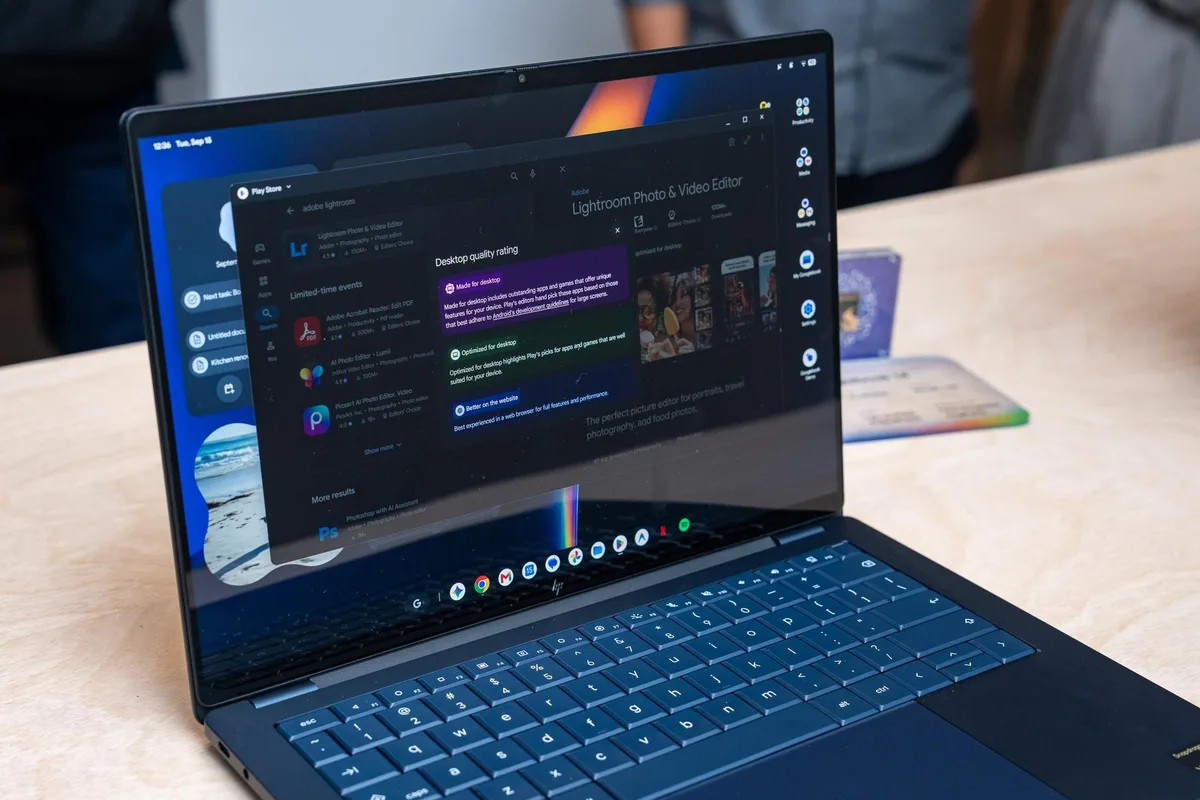
Every day I come across new oddities in any of the three Googlebooks I’m testing. The Signal Android app linked to my phone with ease, but I have to hit Ctrl+Enter to send messages and can’t highlight text — clicking and dragging scrolls up and down instead. Photoshop and Lightroom are passable for the simplest image editing, but I’d take a cheap Windows laptop with the proper desktop apps over these mobile-first versions. You can’t drag and drop windows to other virtual desktops, and scrolling to the left of your desktops reveals a Clear All button that just kills all your apps at once. That’s straight out of the app switcher from Android on phones, but if I’m closing all apps at once on a laptop I’m either rebooting or shutting down.
Even something as simple as installing the progressive web app version of Slack isn’t working properly . So who should I be mad at? Slack or Google?
If I bought one of these Googlebooks I’d be mad at myself for being a paying beta tester for Google. I know that’s often the case for early adopters on a new OS, but these days I have less time and patience than when I bought my T-Mobile G1 / HTC Dream, Nexus 7, etc. There’s something cool here for sure with Googlebooks, but we need that “faster” development to go into warp speed.
— Antonio G.
5News aggregated this summary from the outlet’s public feed. The full article, with all the context, is on www.theverge.com — the content belongs to The Verge.